AI video editing tool roundup: 6 tested picks for efficient self-media production in 2026
AI video editing tool roundup: 6 tested picks for efficient self-media production in 2026
People who work in self-media are most afraid of two things. One is not having material, and the other is having material but getting stuck in editing. A talking-head video of a few minutes can easily take two or three hours to manually cut, from importing to adding subtitles, dubbing, and adding a cover. After AI stepped into the editing process over the past two years, the situation has changed significantly. Many steps that previously required frame-by-frame operations are now completed by machines with one click. This roundup sorts through several of the current mainstream and genuinely usable AI video editing tools, and explains who each one suits based on its different capabilities and positioning, to help you avoid detours.
Which part of the editing process has AI actually changed?
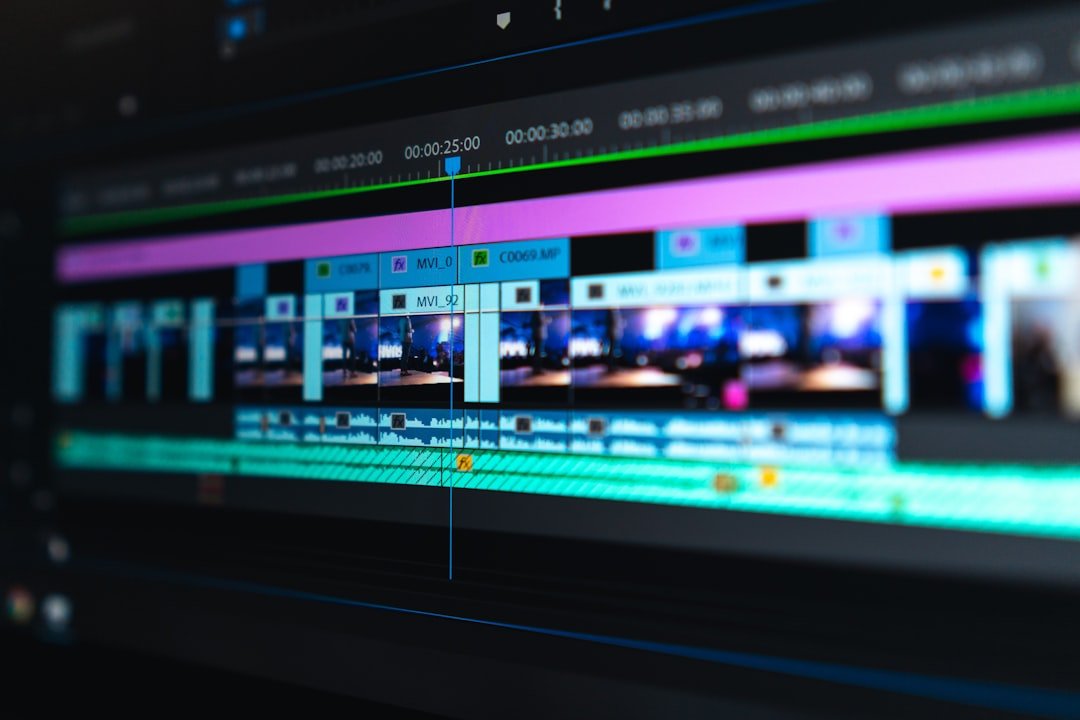
Many people's imagination of AI editing is limited to "automatically generating a clip". In fact, the real efficiency gains are more granular. The most direct one is automatic subtitles. The accuracy of speech-to-text conversion has improved greatly in the past two years. Chinese talking-head videos can basically be recognized into a usable first draft, eliminating the hard work of manual subtitle timing. The second is intelligent editing. Throw in a bunch of materials, and the tool will automatically select shots and match the music to the rhythm. The next step is long-to-short conversion, which automatically cuts a long video into multiple vertical-screen clips suitable for short video platforms. There are also digital-human talking-head videos and AI dubbing, allowing creators who do not have the conditions to appear on camera to produce talking-head content.
What needs to be seen clearly is that AI is responsible for liberating you from repetitive work, not making creative judgments for you. The clips the machine cuts and the subtitles it generates almost all require human proofreading and fine-tuning. Treating AI as a tireless assistant rather than a fully automated factory is a more realistic way to use it right now.
Which dimensions should you look at when choosing an AI editing tool?
There are many kinds of tools, but if you keep an eye on a few dimensions when selecting, you won't easily fall into traps. The first is the accuracy of subtitle recognition and the freedom of typesetting, which are the functions Chinese creators use most frequently. The second is whether the export is watermarked and whether there is a resolution limit. The watermark of the free version often directly determines whether it can be used commercially. The third is platform coverage. Do you usually edit on your phone or computer, and are the tools synchronized across both ends? The fourth is the boundary of AI capabilities. Advanced functions such as automatic editing, long-to-short conversion, and digital humans are not available in every product. They must be chosen according to needs. The fifth is collaboration and material management. Cloud collaboration is critical for teamwork.
Another point that is easily overlooked is the learning cost. No matter how powerful a function is, if the interface is so complicated that it requires a half-day tutorial, it becomes a burden for self-media creators who pursue speed of output. The following six products basically cover different scenarios, from entry-level to advanced, from talking-head videos to finished films.
Jianying (CapCut): the all-round national first choice
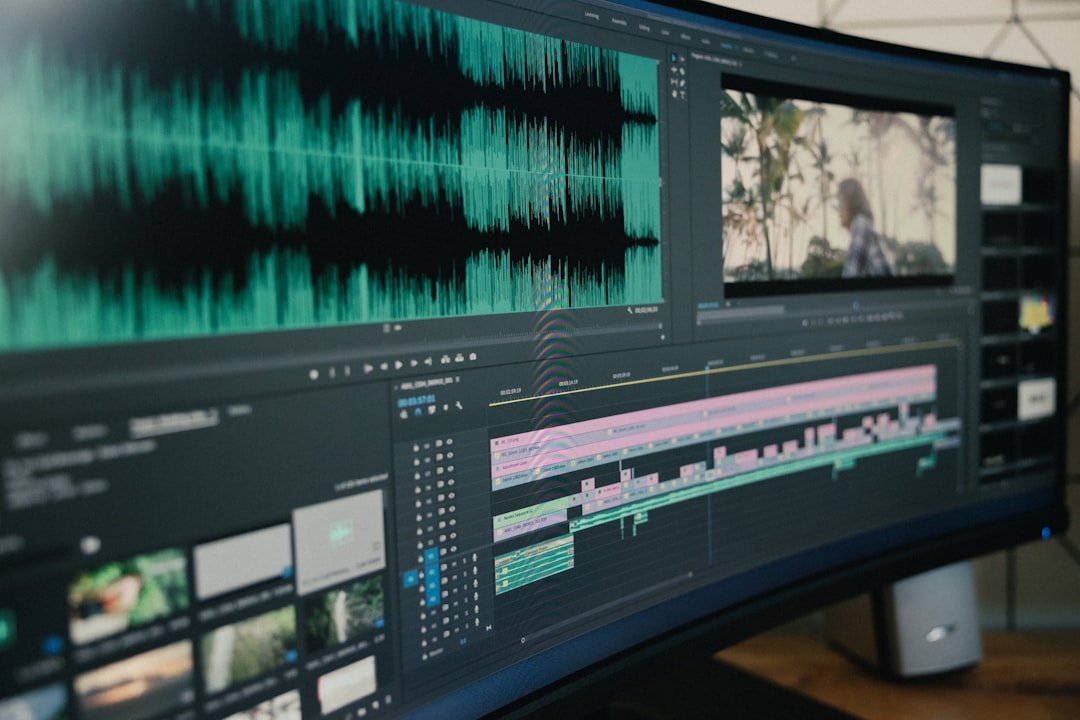
Jianying is currently the most widely used editing tool in domestic self-media. The overseas version is called CapCut and belongs to the same company. Its advantage is that it is fully featured and quick to pick up. Automatic subtitles, intelligent dubbing, one-click beat-syncing, massive templates and effects are almost all built in. It can be used on phones and computers, and project files can be synced across devices. For creators who are just getting started, they can basically cut a decent video without reading any tutorials.
Its AI capabilities are also continuously expanding, with functions such as text-to-video editing, intelligent keying, and AI copywriting being added one after another. Jianying provides a free version and a paid membership version. Some advanced materials, watermark-free export and other rights require a subscription. For details, please refer to the official public page. It should be noted that the functions and availability of the overseas version, CapCut, vary in different regions. It is best to confirm local usage conditions before making content for overseas audiences.
Bijian: a lightweight tool within Bilibili's ecosystem
Bijian is an editing tool launched by Bilibili. Its biggest feature is that it is integrated with the Bilibili ecosystem. Functions such as screen recording, uploading, and one-click triple-action materials are very friendly to UP creators who produce content for Bilibili. It is positioned as lightweight and has a relatively simple interface. It has common functions such as automatic subtitles, popular music, and beat-sync templates. It is especially suitable for game screen recordings and life-recording content on phones.
If your main battlefield is Bilibili, Bijian's convenience in linking uploads is unmatched by other tools. It is also free to use. Some advanced materials and functions may require corresponding rights, with the specifics subject to official public information. Its breadth of capabilities is not as comprehensive as Jianying, but it wins on focus and is sufficient for vertical-screen short videos and screen-recording editing.
Descript: an alternative approach for talking-head and podcast editing
Descript is a tool with a very distinctive approach. It edits video and audio as documents. After importing the material, a transcript is automatically generated. If you delete a sentence in the transcript, the corresponding video clip is also deleted. This "edit the document to edit the video" method is extremely efficient for content such as talking-head videos, interviews, and podcasts. It also has functions such as removing filler words, filling pauses, and voice-cloning dubbing, which suit creators who need a lot of speech content.
It should be noted that Descript's Chinese speech recognition capabilities are weaker than its English counterparts, and creators who focus on English content will have a better experience. It provides a free version and multiple paid subscriptions. The free version has certain restrictions on transcription time and export. Please refer to the official public page for details. For those who make English podcasts, tutorials, and explainers, once you get used to the logic of text-based editing, it will be hard to go back.
Runway: a creative, generative AI video tool
Runway is closer to an AI video generation and processing platform than a timeline editor in the traditional sense. It focuses on generative capabilities such as text-to-video, image-to-video, video stylization, intelligent keying, and outpainting. It suits creators who need creative materials, special-effects clips, or experimental visual effects. If you want to create a concept image out of nothing, or stylize existing footage, Runway is a direction worth trying.
Its positioning means it is not a tool to replace daily editing, but a supplementary source of creative materials. Runway provides free quota and paid subscriptions. The generative functions are usually billed according to quota or duration. Please refer to the official public page for details. Generative video is still evolving rapidly, and the stability and controllability of the output vary depending on the subject matter. It is better to keep reasonable expectations of the effect before using it.
Opus Clip and similar long-to-short tools: squeezing long videos into short ones
Opus Clip represents a class of AI tools dedicated to long-to-short conversion. Its core scenario is taking a long video — such as a livestream replay, a long interview, or a long talking-head video — and automatically analyzing the highlight segments within it, cutting them into multiple vertical short clips suitable for posting to short video platforms, and even automatically adding subtitles and attaching attractive titles. For creators who make long content but want to distribute across multiple platforms, this kind of tool can save a lot of time spent manually finding and slicing clips.
These long-to-short tools are generally better at handling English content; the highlight-recognition effect for Chinese content varies by material, so it is recommended to manually screen the results once after cutting. They usually offer a model of free trial quota plus paid subscription, billed by processing duration or number of exports, with the specifics subject to the official public page. The play of splitting one long video into a dozen-plus short videos is being adopted by more and more talking-head and interview accounts.
How to choose by content type so you don't waste effort
There is no absolutely good or bad tool; it all depends on what content you make. If you are an all-round creator in lifestyle, vlog, and storytelling genres, Jianying or CapCut can basically cover the entire process, and one is enough. If you focus on Bilibili, Bijian makes upload integration easier. For English talking-head videos, podcasts, and tutorials, Descript's text-based editing will double your efficiency. For those who need creative materials and special-effects visuals, Runway provides generative capabilities that traditional editors cannot. And for distributing livestream replays and long interviews, long-to-short tools like Opus Clip can help you squeeze every last drop out of one piece of material.
If Chinese talking-head creators want a one-stop solution for automatic subtitles, dubbing, and finished films, Jianying is still the most stable choice for overall experience. Thinking clearly about your own content form first, and then matching it to a tool's capabilities and positioning, is much more practical than blindly chasing new tools.
Combine these tools into an efficient workflow
Truly productive creators rarely use just one tool, but instead string them together into a pipeline. A common combination is to use Runway or other generation tools to produce creative materials or transitions, then throw the main materials into Jianying to complete timeline editing, subtitles and color grading. Finally, if the content is long, use tools like Opus Clip to cut it into multiple short videos for distribution across multiple platforms. English creators who mainly do talking-head content can use Descript to cut the speech content clean first, and then export it to other tools for visual packaging.
The core idea of the combination is to let each tool only do the part it is best at, rather than expecting one toolkit to dominate everything. Once the process runs smoothly, an output capacity of originally only one piece a day can fully be raised to three to five pieces a day. Tools are the means; a stable output rhythm is the real moat of self-media.
FAQ
Can AI video editing tools completely replace manual editing?
Not yet. AI is good at repetitive or generative tasks such as automatic subtitles, intelligent slicing, and material generation, but the selection of shots, control of rhythm, and creative judgment of content still rely on humans. A more realistic way to use it is to treat AI as an assistant, responsible for handling the tedious steps, while humans do the final proofreading and creative decision-making.
Which AI editing tool is more suitable for Chinese talking-head content?
If you want a one-stop solution for automatic subtitles, AI dubbing, and intelligent editing, Jianying's overall experience in a Chinese environment is usually more stable. Text-based editing tools like Descript are very efficient, but their Chinese speech recognition is weaker than English, so for pure Chinese talking-head content, giving priority to tools from the domestic ecosystem will be more convenient.
Can the free version of an AI editing tool be used directly for commercial content?
It depends on whether it is watermarked and whether there are commercial licensing restrictions. The free versions of many tools export with watermarks or limited resolution, and some materials are only available for commercial use to paying users. Before planning to use it commercially, be sure to go to the tool's official public page to confirm the export rights and material licensing to avoid subsequent disputes.
Can the short videos cut out by long-to-short conversion tools be published directly?
It is not recommended to publish them directly. This type of tool can automatically identify highlight clips and add subtitles, greatly saving the time of finding clips. However, the automatically recognized highlights and subtitles may still be off, and Chinese content especially requires attention. Manually screen and proofread again after cutting, and the quality will be much more stable.
Which tool should a beginner learn first?
It is recommended to start with Jianying or CapCut. They are fully featured and quick to pick up. Commonly used subtitles, dubbing, beat-syncing, and templates are all built in, so you can cut out finished videos with almost no need to read tutorials. After you are familiar with the basic editing logic, you can then add advanced tools such as Descript, Runway, or long-to-short conversion according to your content type.
Tools are updated every year. What really determines how far you can go is never how sharp the scissors in your hand are, but whether you have thought clearly about what kind of story you want to tell, and to whom.
📝 本文来自抖文 www.douwen.me ,转载请保留出处。
原文链接:https://www.douwen.me/archives/1304/
💬 评论 (6)
Best summary I've read on this.
Clear and to the point.
Easy to follow.
Solid breakdown, very useful.
Loved the FAQ section.
Thanks for the detailed comparison.