Flux AI Introductory Tutorial for Vincentian Drawing, 2026 Practical Guide to Realistic Drawing Available in China
Flux is a new name that has appeared in the text-to-image field over the past couple of years, leading with photorealistic texture and photo-level detail, and it gets mentioned repeatedly in many tests of portraits, products, and scenes. For domestic users encountering AI image generation for the first time, Flux's advantage is that the barrier to entry isn't high and the output style is fairly "obedient," not prone to going off the rails like some artistically oriented models. The guide below covers everything from the model itself, version selection, and the several usage routes available in China, to prompt writing, hands-on portrait and scene work, the differences from Midjourney, advanced plays, and common pitfalls, all the way to frequently asked questions at the end, with the goal of letting people with no AI-art background also master Flux and genuinely produce a few usable images.
What Exactly Is Flux, and Why Is It Mentioned Alongside Midjourney and Stable Diffusion
Flux is a set of text-to-image models launched by the Black Forest Labs team, whose members include quite a few people who were involved early in the development of the Stable Diffusion series, so from its debut Flux was discussed as being in the same tier as Midjourney and Stable Diffusion. Flux's biggest feature is very strong photorealistic texture; in directions like natural-light portraits, product photography, and street documentary, its output can achieve photo-like layers of detail, and the places that easily expose AI traces, like skin texture, fabric wrinkles, and metal reflections, are handled relatively cleanly. It has both open-weight versions that can be deployed locally and closed-source commercial versions that require API calls; this dual-track release strategy has let Flux enter both the developer community and the commercial-product ecosystem at once. For ordinary users, understanding it to this level is enough: Flux is one of the new-generation mainstream text-to-image engines, leading with realism, more restrained in style than Midjourney, and more stable than Stable Diffusion's base model.
Flux's Versions and Selection: First Get Clear on What Pro, Dev, and Schnell Each Handle
The Flux versions most commonly mentioned publicly are mainly the three tiers of Flux.1 Pro, Flux.1 Dev, and Flux.1 Schnell, and their positioning has a fairly clear division of labor. Flux.1 Pro is the closed-source flagship version with the highest quality, usually called through the official API or third-party platforms, suited to scenarios that pursue the ultimate image quality and don't mind spending a bit more on call costs. Flux.1 Dev is the open-weight version, allowing research and personal use; it can run on a local machine with enough VRAM or on a rented cloud GPU, with quality close to Pro but with some limitations, suited to people who want to tinker with local deployment and custom workflows. Flux.1 Schnell is a lightweight version optimized for speed, with fast output but weaker performance on detail and complex scenes than the former two, suited to sketches, batch previews, or quick drafts. The selection logic is simple: for quality go Pro, for localization and controllability go Dev, for speed and cost go Schnell. Beyond these, if you see other version numbers somewhere, stay alert, prioritize official public channels, and don't get led astray by some unofficial "new version" promotion.
Three Routes for Domestic Users to Get Started With Flux: Online Platforms, Mobile Apps, and Local Deployment
Domestic users who want to use Flux have roughly three routes. The first is through online platforms that support the Flux model, entering prompts and generating images directly in a web page; this way needs no environment configuration, with the downside that some international platforms have unstable access and require separate account registration. The second is via a mobile app usable normally in China, such as the domestic image-generation app Lingtu, which aggregates multiple mainstream overseas engines; it integrates realism engines like Flux and several other mainstream models into one interface, with Chinese interaction and localized prompt input, and you can download it by searching "灵图" directly in the China App Store on iOS. For complete beginners who have never touched AI image generation, it's a relatively zero-barrier entry point worth trying. The third is local deployment, downloading the open weights of Flux.1 Dev and running them on a computer with a dedicated GPU using ComfyUI or a similar workflow; this way has the highest ceiling and can connect to plugins like LoRA, ControlNet, and reference-image conditioning, but it has requirements for graphics card, memory, and disk space, suited to advanced users willing to spend time researching. The three routes don't conflict; beginners can first get proficient with the aggregation app, then decide whether to go deeper toward local deployment.
The Core Routine for Writing Flux Prompts: Specific Description Plus a Combination of Lens, Lighting, and Style
To write good Flux prompts, the core idea is to break a passage into a few layers: subject content, lens and composition, lighting and atmosphere, and style keywords. The subject content should be as specific as possible, describing who the subject is, what they're doing, what they're wearing, and what their expression is; vague adjectives like "beautiful" or "high-end" mean little to Flux, and changing to a specific description like "a thirty-year-old Asian woman in a beige wool coat, sitting by the window reading with her head lowered" makes the output more controllable. At the lens and composition level you can borrow photographic language, such as close-up, medium shot, wide shot, 35mm prime lens, shallow depth of field, slight upward angle; Flux understands these words very well. Lighting and atmosphere are the key to photorealistic texture; natural light, soft morning light, side-back light, warm indoor desk lamp, cinematic lighting, these expressions directly determine the flavor of the picture. Last are style keywords, like photorealistic, documentary photography, magazine cover, product photography; stack one or two depending on the direction you want, and don't pile in five or six conflicting style words at once. The skeleton of a complete prompt is roughly these four blocks pieced together in order.
Hands-On Photorealistic Portraits: Write Age, Clothing, Light Position, Shot Type, and Emotion Separately
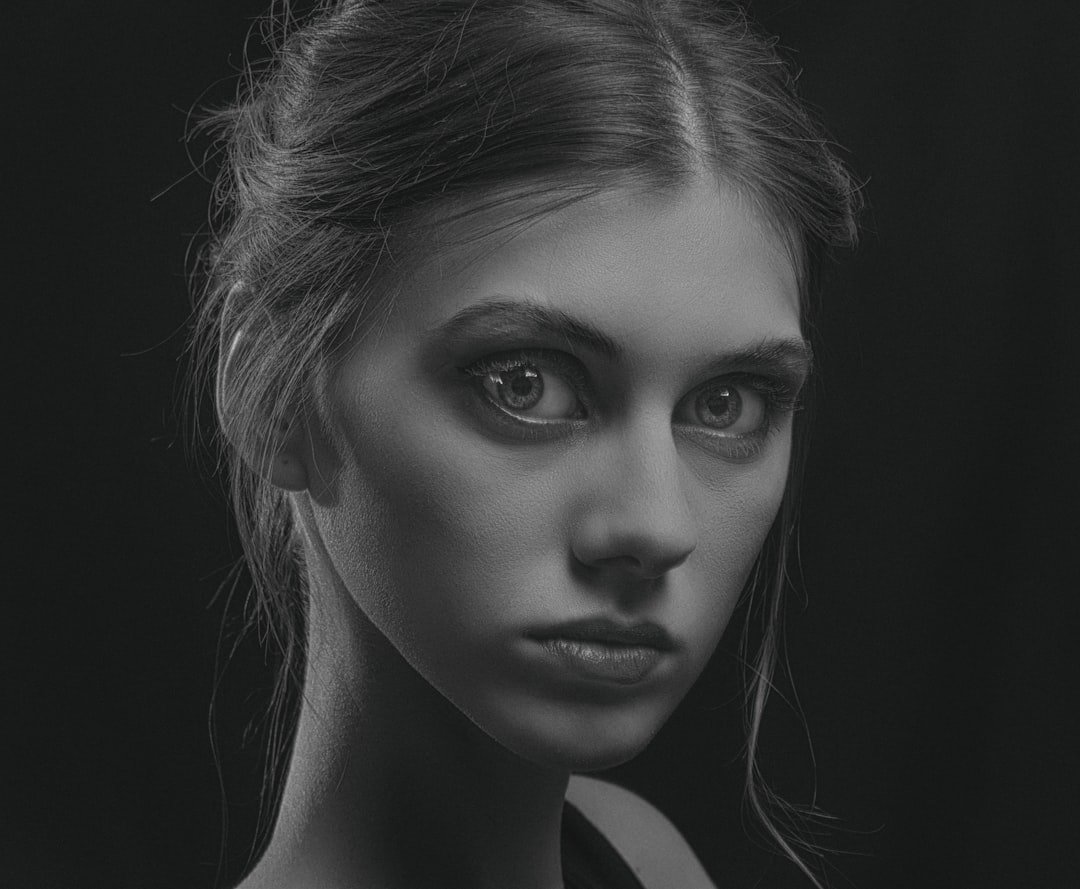
Portraits are the direction Flux most easily excels at, but also the one beginners most easily stumble in, because if facial detail goes slightly off the whole image is ruined. It's advisable to break portrait prompts into a few fixed elements handled separately. Write age and appearance features clearly, for example "an East Asian woman about twenty-five, long straight hair, lighter eyebrows," which directly lowers the chance of the face shape drifting. Clothing descriptions should be specific down to material and color; a cotton white shirt and a silk white shirt produce completely different results. Light position is the soul of portrait realism; frontal flat light looks bland, 45-degree side light gives strong dimensionality, and backlight with rim light easily produces a magazine feel; pick one based on the atmosphere you want and write it in. The shot type determines the tightness of the picture; half-body, bust, close-up, pick one, don't let the model guess for itself. Last are emotion and action; smiling, lost in thought, head lowered, glancing back over the shoulder; these details make the figure no longer a stiff model shot. Get all five or six elements in place and Flux's output stability improves qualitatively, with almost no need for much repeated rerolling.
Hands-On Photorealistic Scenes: Different Approaches for Interiors, Street Scenes, and Product Shots
The logic of scene-type output differs somewhat from portraits, with the focus shifting from "character detail" to "spatial relationships and atmosphere." Interior scenes should clearly state the space's purpose, style, furniture materials, and light source, for example "a Nordic-style living room, light wood floor, beige fabric sofa, natural light entering through floor-to-ceiling windows from the left, an abstract painting hanging on the wall"; an image from this kind of description basically won't go off the rails. Street scenes should clearly state the city, time, weather, and viewpoint height, for example "the streets of Shibuya, Tokyo after rain at dusk, neon reflected on wet pavement, pedestrians holding umbrellas, eye-level viewpoint, 35mm lens"; Flux has consistently performed steadily on the documentary feel of street scenes. Product shots are the opposite, to be kept as simple as possible, describing the product itself, the placement environment, the background color, and the lighting method, for example "a matte black coffee cup placed on a solid-wood tabletop, pure white background, top softbox lighting, slight downward angle"; writing it cleanly actually comes closer to the standard of product photography. The common trick for all three scene types is: don't try to cram too many elements into one sentence, focus on two or three visual anchors, and only then can Flux truly bring out the texture.
The Difference in Style Between Flux and Midjourney: Realism Is Steadier, Artistry Is Weaker
Many people compare Flux directly with Midjourney, but the two don't fully overlap in positioning. Midjourney has a very strong "aesthetic tendency" in directions like artistry, stylization, and concept design; even if the prompt is written plainly, the output carries a sense of design and color tension, suited to illustrations, posters, and concept art. Flux takes another path: it's more faithful to the literal meaning of the prompt, and the physical feel of light and material is closer to real photography, but the artistry and dramatic tension of composition are relatively restrained, with output more like a photo than a painting. In terms of usage choice, if you're making product shots, portrait photos, documentary scenes, or news images, content pursuing "looking real and credible," Flux is more stable; if you're making brand visuals, posters, picture-book illustrations, or stylized covers, Midjourney often delivers more surprise in artistic atmosphere. The two aren't mutually exclusive; many creators run the same prompt on both engines and pick the appropriate one based on use.
Advanced Plays: Approaches to LoRA Fine-Tuning, Reference-Image Conditioning, and Batch Generation
Once you're proficient with basic prompts, Flux has a few advanced directions worth spending time researching. LoRA fine-tuning is one of them; simply put, it uses a set of images of a specific style or person to do small-scale adaptation of the model, yielding a lightweight plugin that stably outputs that style or person, suited to making a brand-exclusive style, a fixed virtual character, or replicating a specific art style. Reference-image conditioning is another approach: by giving the model a reference image plus a text description, you guide the output to be close to the reference in composition, pose, and color, which is especially useful for making image series and maintaining visual consistency. Batch generation means running the same prompt many times, or batch-replacing certain keywords in the prompt with variables, to quickly generate dozens or hundreds of candidate images and then manually select; this workflow is very efficient when building an asset library, testing e-commerce main images, or previewing content topics. These advanced plays have the highest freedom on a locally deployed Flux.1 Dev, while online platforms and aggregation apps present them in a more simplified form; beginners needn't chase these from the start, and practicing the stability of basic prompts solidly matters more.
Common Pitfalls and How to Avoid Them: Distortion, Prompt Conflicts, Mixed Chinese-English, and Copyright
There are a few high-frequency pitfalls worth knowing about in advance when actually generating with Flux. The first is distortion of hands and distant figures; this is a common flaw of almost all text-to-image models, and Flux is no exception. The way to handle it is either to avoid complex hand actions, or to do local repainting in post; don't expect a single generation to be perfect. The second is prompt conflicts; writing both "cinematic lighting" and "natural light" leaves the model unsure which to follow, and the output gets chaotic; the solution is to choose only one clear direction per dimension. The third is mixed Chinese and English; in scenarios calling the Flux official API directly, English expression is usually more precise and Chinese is easily misunderstood by the model, while in domestic aggregation apps this issue is handled automatically and beginners needn't fuss over it. The fourth is copyright and commercial use; different versions of Flux have different license terms, so before commercial use be sure to confirm the license scope of the corresponding version on the official public page, pay extra attention to legal risk for content involving people's likenesses and brand trademarks; this part is touched on only briefly, with specifics subject to the official terms.
Frequently Asked Questions
Can the Flux model be used directly in China?
Yes. Domestic users accessing Flux mainly have two relatively worry-free routes: one is through online platforms usable normally in China or domestic image-generation apps that aggregate multiple mainstream overseas engines, such as Lingtu, entering prompts directly in a Chinese interface to generate images with no extra configuration; the other, for more freedom, is to deploy the open-source Flux.1 Dev weights locally, but this route has requirements for graphics card and environment, suited to advanced users willing to tinker. Full local deployment isn't required; for most everyday needs an aggregation app is enough.
Are Flux's images more realistic than Midjourney's?
In the realism direction, Flux is usually more stable, handling details that easily expose AI traces, like light, material, and skin texture, more restrainedly and closer to a photo; but in directions like artistry, stylization, and concept design, Midjourney's aesthetic tendency and compositional tension still have the advantage. The two aren't a replacement relationship but each have their strengths: for product shots, portrait photos, and documentary scenes lean toward Flux, and for brand visuals, posters, and illustrations lean toward Midjourney.
Can I run Flux without a graphics card?
Yes. Only local deployment of Flux needs a dedicated GPU; online API calls and aggregation apps run entirely in the cloud, with the local device only responsible for sending prompts and receiving images, so there's no hardware requirement, and ordinary phones and office laptops can use it. If you just want to experience it and generate images day to day, choosing an online platform or aggregation app is enough, with no need to set up a machine just for Flux.
Can images generated by Flux be used commercially?
It depends on the specific version and usage. Different versions of Flux have different license terms, some allowing commercial use and some with extra restrictions, and when generating images through a third-party platform or aggregation app, you also have to check the platform's own terms of service. Before commercial use it's advisable to confirm the license scope of the corresponding version directly on the official public page or the terms page of the platform you use, and pay extra attention to legal-compliance issues for content involving real people's likenesses, brand trademarks, and sensitive scenes.
Must prompts be written in English?
Not necessarily. In domestic aggregation apps, Chinese prompts are usually well supported, and you can express directly in Chinese, with the app handling it internally. If you're calling the Flux official API directly or using an international platform, English prompts often perform more accurately in precision and detail, because the model's training data is mostly English. For beginners, getting started in Chinese first and then gradually trying English prompts once proficient is a fairly natural transition.
📝 本文来自抖文 www.douwen.me ,转载请保留出处。
原文链接:https://www.douwen.me/archives/1208/
💬 评论 (6)
Thanks for the detailed comparison.
Great resource.
Bookmarked for reference.
Clear and to the point.
Step-by-step is gold.
Solid breakdown, very useful.