AI Vincent Picture Prompt Word Writing Tutorial, 2026 Advanced Guide from Description to Beautiful Pictures
AI text-to-image tools made a clear capability leap in the second half of 2025, and by 2026 the output quality of mainstream tools like Midjourney, Stable Diffusion, and DALL-E is already good enough to carry plenty of serious commercial scenarios. But many people, after getting started, discover an odd phenomenon: the tool is a good tool and the model is a new model, yet the prompts they write are consistently weak, and the images come out either miles from what they imagined or too mediocre to use. The problem is almost never the tool, but the prompt. Prompt writing is a relatively independent skill with its own grammar, rhythm, and aesthetics. This article takes prompt writing from the most basic subject description all the way to lighting and composition, lens parameters, negative prompts, and the syntax differences between tools, so that after reading it you can write prompts that are genuinely reusable and produce stable results.
1. The Overall Approach to Prompt Writing

Before writing your first prompt, establish an overall framework on which all later details will hang.
A complete prompt is essentially using language to describe an image that "already exists" in your head. So before writing, think through four things clearly. First, what subjects are in the picture: people, objects, scenes, animals. Second, what these subjects are doing: pose, action, expression. Third, in what style the picture is presented: photography, illustration, 3D, ink wash. Fourth, how the lens shoots it: viewpoint, composition, distance. Thinking through these four dimensions before putting pen to paper brings a qualitative jump in hit rate.
Many beginners write only the first item, a girl, a fisherman, a mountain, then expect the model to guess all the remaining information. The model can only give you an average, which is exactly why beginners' images "look very AI." The advanced approach spells out all four dimensions, for example a portrait of an old fisherman, golden hour, 50mm portrait lens, shallow depth of field, cinematic photography. Each phrase locks down a variable, and the less freedom you leave the model, the closer the result is to what you want.
2. Make the Subject Description Specific Enough to Be Drawn
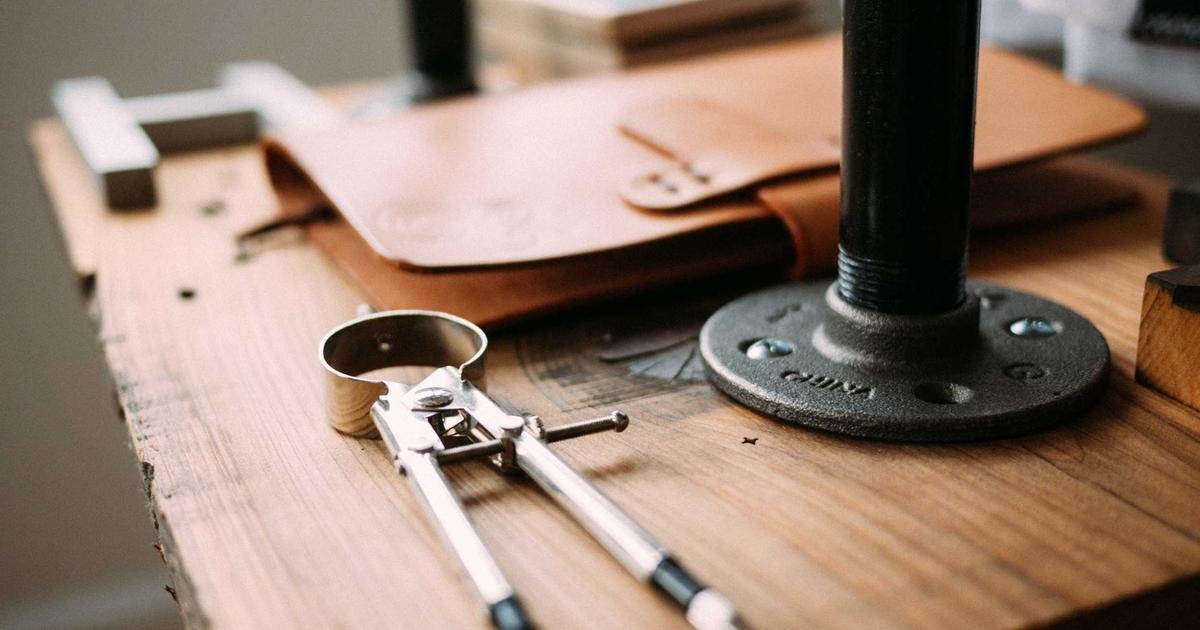
The first watershed in prompt writing is whether the subject description is specific enough. Vague descriptions bring vague results. A phrase like a beautiful woman has no visual sense at all, and the model can only give you the most common look based on its training data. A more specific way to write it is a woman in her thirties, long black hair, freckles, wearing a navy linen dress, holding a glass of red wine. Every detail narrows the possible output space a notch.
As for how specific is appropriate, a simple standard is whether your description could let an ordinary illustrator draw a roughly consistent sketch. If you write a cat, ten people can draw ten different cats, which is too loose. If you write a fat ginger tabby cat sitting on a vintage radio, looking sideways with sleepy eyes, ten people will draw highly consistent results, which is on point.
For people, common dimensions include age range, hairstyle and color, facial features, expression, clothing, pose, and the object in hand. For objects, they include material, color, degree of wear, and arrangement. For scenes, they include location type, weather, season, and time. At first go through this checklist item by item; once skilled it becomes second nature.
3. Scene and Environment Shape the Atmosphere
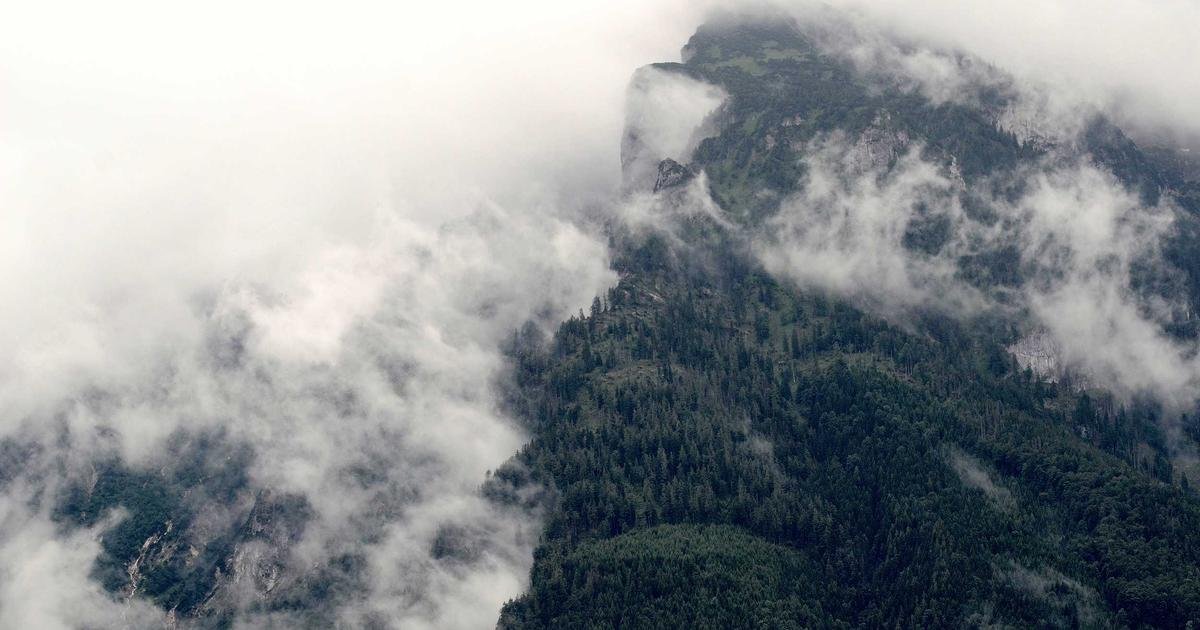
After the subject is clear, the scene and environment determine the atmospheric tone of the whole image. Scene description has three layers. The first layer is location: indoors or outdoors, specific down to what kind of room or outdoor environment. For example a cozy wooden cabin interior, a misty pine forest, a neon-lit Tokyo alley at night. Location itself carries emotion, and choosing it right already accounts for half the mood.
The second layer is time. Morning, noon, dusk, late night, blue hour, golden hour, each time point corresponds to a different light direction, color temperature, and contrast. Adding golden hour warms the light of the whole image, while adding overcast afternoon immediately turns the tone soft and gloomy.
The third layer is weather and atmospheric state. Words like fog, mist, rain, snow, dust in the air, light leaks, bokeh, and heat haze add a layer of visual "grain" to the picture, making it look more photographic rather than clean to the point of plastic falseness. A complete example, a lone street musician playing violin under a rainy night, neon reflections on wet pavement, fog in the background, low key lighting, will basically not stray from the main line.
4. Style Keywords Determine the Overall Tone
Style keywords are the most "magical" class in a prompt; getting one word right completely changes the temperament of the whole image.
For photographic styles, use photography, photorealistic, film photography, portrait photography, and the result is close to a real photo. For illustration styles, use illustration, digital painting, watercolor, ink wash, line art, and the result has an obvious hand-drawn feel. For 3D styles, use 3D render, octane render, unreal engine, with a sense of dimensional modeling.
Advanced players anchor style with specific artists, films, or genres, for example in the style of Wes Anderson, shot like a Studio Ghibli film, reminiscent of National Geographic photography. This kind of "style borrowing" has a high hit rate on mainstream models, because these names have plenty of clear visual associations in the training data.
Don't stuff five or six styles into one prompt; the model gets confused and the image comes out stylistically chaotic. Generally, focusing on one main style plus one auxiliary modifier is enough, for example cinematic photography with a slight film grain, where the effects layer without clashing.
5. Composition, Viewpoint, and Lens Language
Composition and viewpoint are what make the essential difference between a picture having a "photographic feel" versus a "snapshot feel."
Common viewpoint keywords include close-up, medium shot, wide shot, full body, bird's eye view, low angle, and Dutch angle. A low angle makes the subject look powerful, a bird's eye view makes the subject look tiny, and a Dutch angle brings tension.
At the composition level you can borrow classic photography rules: rule of thirds, leading lines, symmetrical composition, negative space. The model recognizes these professional terms quite well, and adding them makes the picture more orderly.
Lens language can specify concrete camera parameters. Common focal lengths like 35mm, 50mm, 85mm, 200mm; the longer the focal length, the stronger the background compression and the shallower the depth of field, and 85mm is common for portraits. Aperture is written like f/1.8, f/2.8; the smaller the value, the shallower the depth of field. A complete example, a portrait of a young woman, 85mm lens, f/1.4, shallow depth of field, soft bokeh, natural window light from the side, basically locks in the visual characteristics a professional portrait should have.
6. Light and Color Control the Mood of the Picture
Light is the soul of photography, and in AI image generation it's equally the most effective lever for controlling mood.
In light direction, front light makes the picture clean and translucent, side light brings out dimensionality, backlight gives the subject a hair-light glow, and rim light emphasizes the subject's edges. Compound terms include Rembrandt lighting, split lighting, and butterfly lighting; the model recognizes these classic portrait-lighting terms reasonably well.
In color temperature and tone, warm tone, cool tone, teal and orange, monochrome, pastel colors, muted colors. Warm colors are comfortable and nostalgic, cool colors are detached and distant, and teal and orange is the standard for Hollywood commercial films.
In light intensity, high key makes the whole picture bright, low key makes it dark, chiaroscuro is strong light-dark contrast, and soft light is soft. A comprehensive example, a moody portrait of a man smoking, low key lighting, rim light from behind, teal and orange color grading, cinematic atmosphere, produces an image whose temperament comes very close to a movie poster.
7. Negative Prompts Exclude Unwanted Elements
The role of negative prompts is to tell the model "don't draw these for me," excluding certain common failure elements from the output. A classic negative template includes low quality, blurry, distorted, deformed hands, extra fingers, watermark, text, signature, jpeg artifacts. These are the places AI image generation most easily fails, and putting them in negative prompts noticeably improves image quality.
For people images, common additions are ugly face, asymmetric eyes, bad anatomy, extra limbs. For landscapes, common additions are oversaturated, cartoonish, plastic look. For images that need a realistic feel, common additions are painting, illustration, 3D render, telling the model in reverse not to go in those non-realistic directions.
More negative prompts isn't better; stuffing in too many reverse words ties the model's hands and sometimes makes the image more mediocre instead. It's advisable to keep one core negative template of about 5 to 10 keywords. Stable Diffusion has a separate negative-prompt input box, Midjourney uses the --no parameter, and tools like DALL-E support this relatively weakly.
8. Syntax Differences Between AI Tools
Mainstream AI image tools have similar-looking prompt syntax, but there are quite a few differences in the details, and being familiar with them makes your prompts reuse more smoothly across tools.
Midjourney's syntax is relatively free, accepting natural-language English descriptions as well as keyword stacking. It has a unique parameter system, for example --ar 16:9 to set the aspect ratio, --s with a value to control stylization strength, --no to exclude elements, and --seed to lock the seed. Midjourney is especially strong at reproducing visual temperament like artistic style and cinematic texture; as of this writing, its latest version is subject to the official page.
Stable Diffusion is more sensitive to structure and supports weight syntax, for example (red dress:1.3) to strengthen the weight of the red dress and (blurry:0.5) to weaken blur. It has a separate negative-prompt input box, and combined with extensions like LoRA and ControlNet it can achieve extremely fine-grained control, but the learning curve is steeper.
Tools under the DALL-E system lean more toward a natural-language conversational style, with prompts written as if describing a picture to a friend. It's strong at understanding long sentences and complex narratives, but its fine parameterized control isn't as good as the former two. In practice, many creators run the same core prompt on different tools and pick the one they're most satisfied with.
For domestic users running this kind of multi-engine comparison on mobile, in a Chinese-language environment you can try the iOS app "Lingtu," which aggregates a Midjourney-style atmosphere engine, a Flux-style realism engine, and a Nano Banana-style fast engine into one interface; you can enter a prompt once and generate on different engines separately, saving the hassle of switching apps and configuring environments. Search "灵图" or "灵图-AI画图设计" in the China App Store to download. This kind of aggregation tool is very handy when a prompt engineer is running cross-engine comparison tests.
9. The Iterative Method for Tuning Prompts
Writing the first version of a prompt is only the beginning; producing genuinely good images relies on iteration.
The first principle of iteration is to change only one variable at a time. If you simultaneously change the subject description, style, lighting, and viewpoint at once, when the image changes you won't know which change had the effect. Professionals build a controlled-experiment process, fixing the other variables and changing only one item, running four to eight images to see the difference in effect, and only stacking on the next item after confirming this change's impact.
The second principle is to keep version records. For each image you run, save the corresponding prompt and note which detail in which version made the effect better or worse. Over time you'll form your own prompt dictionary, knowing which keywords work best for your project type.
The third principle is to use the seed to lock the base form. When you're satisfied with the basic composition of an image but want to fine-tune details, copy that image's seed value, fix the seed in the next round, and change only a local part of the prompt; the resulting image stays very close in composition, varying only in the dimension you modified. This is the standard practice for making image series and character consistency. Organize each set of successful templates into a snippet and save it; applying it next time makes your efficiency improve exponentially.
Frequently Asked Questions
Why is my generated image so far from what I imagined?
The most common reason is that the description is too vague. You have a concrete image in your head, but what you wrote leaves only generic words like a girl, a sunset, and the model can only give you an average, which naturally doesn't match your specific imagination. The fix is to fill in each of the five dimensions of subject, scene, style, composition, and lighting. Next is a lack of style keywords; the model doesn't know whether you want a photo, an illustration, or 3D, so the style comes out random. Last is unset parameters; aspect ratio, stylization strength, and negative words all use defaults, so the result is naturally unstable.
Are the prompt-writing methods for Midjourney and Stable Diffusion the same?
Not entirely. Midjourney accepts natural English descriptions plus keyword stacking and has its own --ar, --s, --no, and other parameter systems, with relatively concise syntax. Stable Diffusion supports weight syntax, for example the bracket-plus-value form (red dress:1.3), has a separate negative-prompt input box, and can do finer control, but the learning curve is steeper. The two share a core approach; the description methods for subject, scene, style, lens, and lighting can be transferred between them, and you only need to adapt to each tool's specific syntax and parameters.
What's the appropriate maximum length for a prompt?
There's no absolute word-count standard, but there's an empirical range. An effective prompt is generally a reasonable 30 to 80 words, covering the five elements of subject, scene, style, composition, and lighting. Beyond 100 words, the model's weighting of each word gets diluted and the effect drops instead. If you have a lot of information to express, a better approach is to split it into two steps: first use a core prompt to produce a satisfying base image, then use image to image or inpainting to make detail edits on the base image.
Are negative prompts actually useful?
On Stable Diffusion they're very useful, almost an essential configuration. The standard template includes keywords like low quality, blurry, distorted, deformed hands, extra fingers, watermark, text, signature, which can noticeably reduce image failures. On Midjourney the --no parameter is also effective, but more restrained compared with Stable Diffusion. Tools like DALL-E support negative prompts directly more weakly, and you more often need precise descriptions in the positive prompt to achieve the same goal. Keeping a core 5 to 10 high-frequency problem words is enough.
Which works better, Chinese prompts or English prompts?
Currently the training data of mainstream AI image models is mostly English, so English prompts are more stable in most scenarios, especially when specific art styles, camera parameters, and professional terms are involved. Chinese prompts also work on tools like Midjourney, where the model translates first and then generates, but the translation process may lose details. It's advisable to write prompts directly in English; if you're not fluent, write in Chinese first, convert to English with a translation tool, and then manually proofread the professional terms.
📝 本文来自抖文 www.douwen.me ,转载请保留出处。
原文链接:https://www.douwen.me/archives/1180/
💬 评论 (7)
Practical tips not fluff.
Stats really back it up.
Clear and to the point.
Best summary I've read on this.
Easy to follow.
Solid breakdown, very useful.
Step-by-step is gold.