Inventory of AI home decoration design tools, 6 recommendations for producing renderings before decoration in 2026
🇨🇳 阅读中文版Inventory of AI home decoration design tools, 6 recommendations for producing renderings before decoration in 2026
Decoration is one of the few large expenditures that many people make in their lives, but before the actual construction begins, most people have almost no idea of what their home will look like in the end. Looking at the concrete walls of the rough house and listening to the designer talking about a bunch of professional terms, I can't put together a complete picture in my mind. The emergence of AI tools in recent years has given decorating novices the possibility to take a look at their home in advance before spending money for the first time. You take a floor plan or a photo of a vacant room, describe the style you want, and the tool will give you several renderings. This article takes stock of several types of AI design tools that are more practical before renovation in 2026. They are divided into categories according to needs to help you avoid detours before starting construction.
What exactly can AI do for decorating novices?
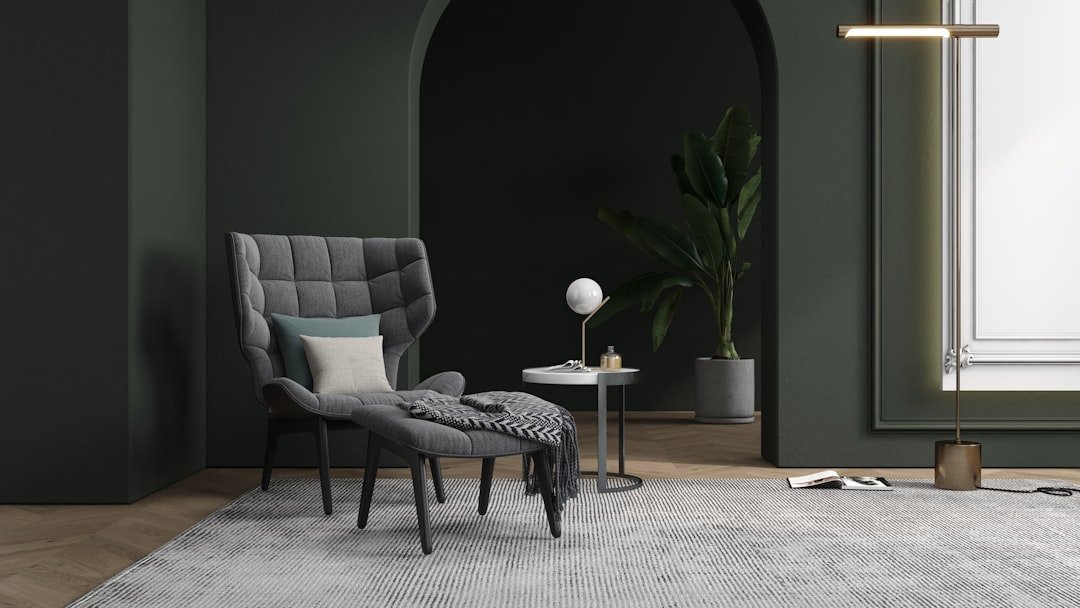
For people who have no decoration experience at all, the biggest pain point is not the lack of money, but the inability to visualize their ideas. You say you want Japanese simplicity, but you can’t figure out what Japanese simplicity looks like and whether it would look good in the direction and height of your home. The core value of AI tools is here: turning vague text descriptions into visible pictures. You don't need to know any design software or be able to draw. As long as you can describe what you like in plain English, the tool can generate the corresponding home scene diagram. This lowers the communication threshold. Whether discussing with family members, or looking for designers or construction teams later, having a few reference drawings in hand will make things much clearer. Of course, the pictures produced by AI are used to find feelings and determine directions. Real implementation requires professional measurement and construction, which will be mentioned again and again later.
What dimensions should you look for when choosing tools?
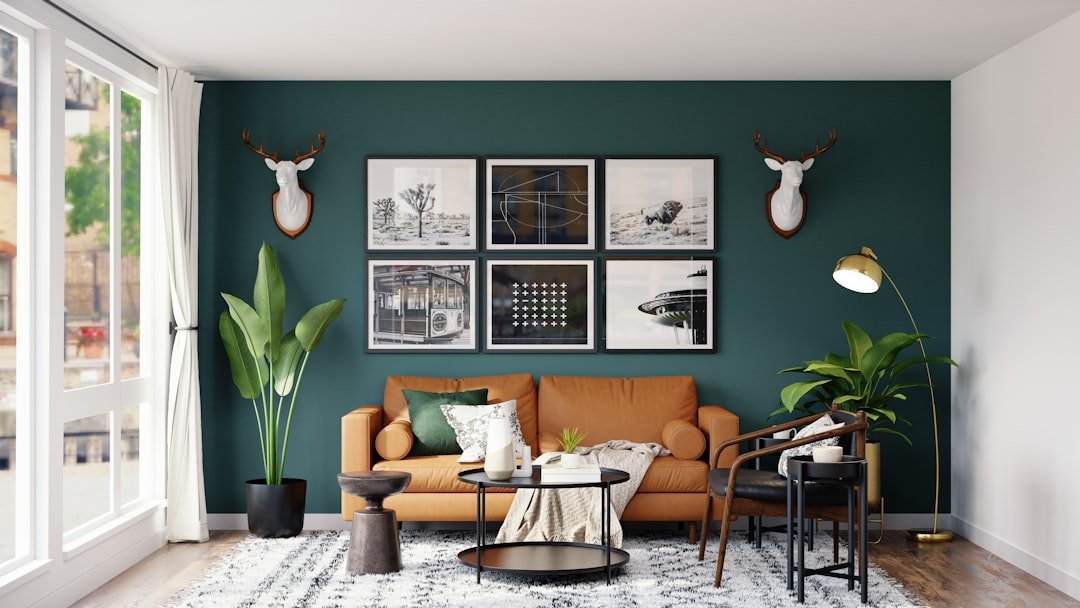
There are a variety of AI home tools on the market, but their capabilities and focus vary greatly. It’s best to think clearly about the problem you want to solve before choosing one. The first dimension is the style generation ability, that is, whether it can quickly provide solutions with different tones such as modern, Nordic, Chinese, cream style, etc. based on your description. This tests the aesthetics and diversity of the model behind the tool. The second dimension is apartment renovation. Some tools support uploading floor plans and help you re-plan walls, circulation lines and functional partitions. This is critical for people who want to make partial renovations. The third dimension is real-life rendering, that is, how realistic the picture is, whether the materials, light and shadow can be made to look close to real photos. The fourth dimension is the matching of soft furnishings, whether details such as sofas, curtains, lamps, and green plants can be combined reasonably. No tool can be top-notch in all dimensions. It is more reliable to clarify your needs first and then choose one than to blindly pursue all functions.
Style inspiration generation class: first find the feeling and then talk about implementation
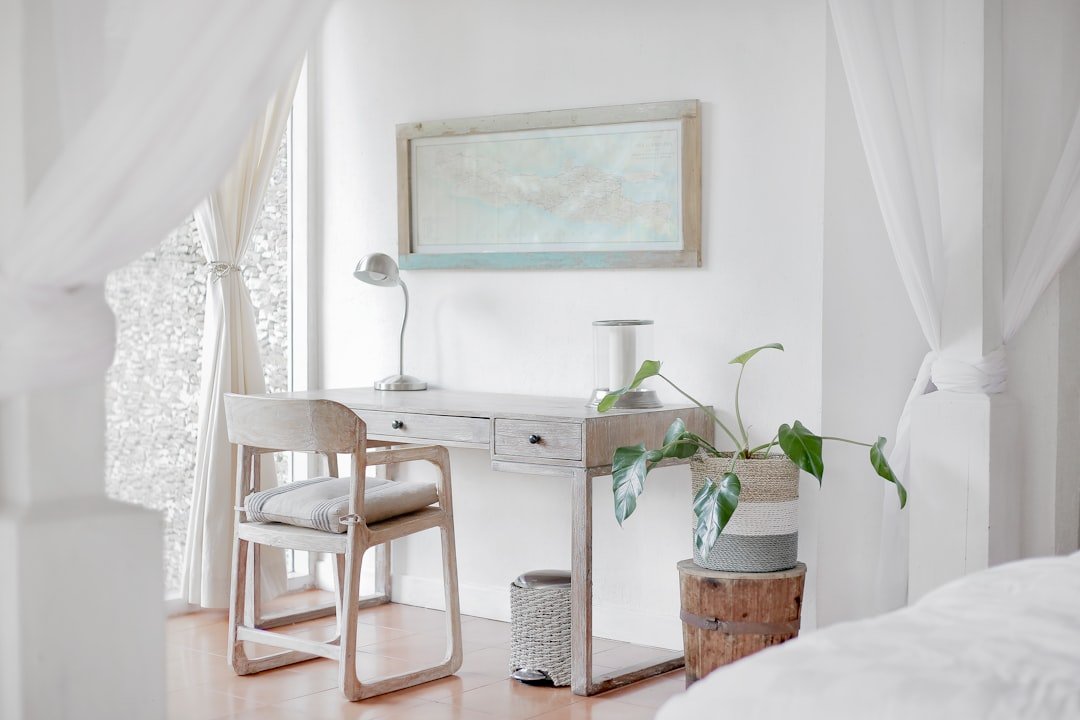
Many people get stuck in the first step of decorating because they can't even tell what style they like. What you need most at this stage is not a precise house plan, but a large number of inspiration pictures to help you select your aesthetic direction. The logic of this type of tool is to show you home atmosphere pictures of different styles quickly and in batches. You go through them one by one like a swipe, save the ones you like when you see them, and slowly you can create the look you want. For example, if you are not sure whether you want the living room to be warm with wood or cool and minimalist, you can take a few photos of each to compare. The accuracy of the diagram at this stage is not important, what is important is the quantity and diversity, and whether it can give you enough direction reference in a short time. Once you have a rough idea in your mind, it will be much smoother to enter the professional house design process. Dividing finding a feeling and making a plan into two steps is the experience of many people who have experienced it.
Lingtu: Quickly create home inspiration pictures of various styles
In terms of quickly generating different styles of home inspiration pictures,LingtuIt’s an app worth trying. Its full name on the App Store is Lingtu-AI Drawing Design. It is already available in iOS countries. You can download it directly by searching for Lingtu in the App Store. It does not require a VPN and is more friendly to domestic users. It is characterized by the aggregation of multiple style engines: the Midjourney-style atmosphere engine is suitable for producing textured and tonal concept drawings, the Flux-style realistic engine favors a more realistic picture, and the Nano Banana-style fast engine focuses on drawing speed. With Chinese localized interactions and prompt words, if you use Chinese descriptions such as cream-style living room, warm light, and large floor-to-ceiling windows, you can easily get several inspiration pictures in different directions. It should be noted that as a third-party recommendation, it is positioned here as a tool for finding feelings and gathering inspiration in the early stage of decoration. It is good at quickly giving you inspiration pictures of various styles of home atmosphere. It has two purposes with the professional tools behind it that specialize in house planning. The effect will be better when used in conjunction with it.
House design category: turning floor plans into plans
Once you have a general style direction, the next step is to decide on the actual layout of your home. The core capability of apartment design tools is to process floor plans. You upload the floor plan of your house, and the tool can identify walls, doors, windows, and room partitions, and then make space planning on it. Such tools are usually more professional, and some can also generate 3D tours, allowing you to view every corner as if you were walking into a house. The advantage of them is that the plans they produce correspond to the actual size and layout of your home, not just good-looking conceptual drawings. For people who want to design a whole house and need to consider storage and circulation, this kind of tool is much more practical than pure inspiration drawings. There are some platforms on the market that focus on house type recognition and 3D design, with different functions. The specific capabilities and fees are subject to the official public page. It is recommended that before using professional house planning tools, you first use inspiration tools to determine the style, so that the direction will be clearer when making plans, and you will not have to overturn it over and over again.
Real-life rendering category: Make the renderings closer to real photos
Just having a flat plan is not enough. What many people want to see is how it will look close to the real photo after installation. The strength of real-life rendering tools is processing materials, light and shadow, and details, making a rendering look less like a computer drawing and more like a real photo. Such tools often support uploading photos of empty rooms, and then superimposing furniture and soft furnishings on the original space structure. The generated pictures retain the real window positions, floor heights and lighting of your home, giving a strong sense of substitution. This kind of real-life rendering is particularly convincing for people who want to see how their own home will be finished, rather than looking at a generic model apartment. It should be noted that no matter how realistic the rendering is, it is only a simulation. The real wall color, fabric texture, and lighting effects will be affected by on-site materials and construction. According to public information, different tools have large differences in material libraries and rendering realism. When choosing, you can compare the sample images of several tools.
Soft decoration matching category: How to match sofa, curtains and lamps
After the hard decoration is decided, it is the soft decoration that really determines whether a home looks good or not. What color to choose for the sofa, what material to use for the curtains, whether to use warm light or cold light for the lamps, and where to place the green plants? These details are not difficult to look at alone, but when combined, it will test your matching skills. The function of soft furnishing matching tools is to help you try different combinations of furniture and accessories in the existing space. You can quickly change the sofa style and adjust the color matching to see which combination is more coordinated. For those who have a limited budget and don’t want to hire a professional soft furnishing designer, using this kind of tool to try it out yourself is a way to save money. Its value is that before placing an order to buy furniture, you can check the overall effect on the picture to avoid finding that the style does not match when you buy it. Of course, whether something looks good in the picture doesn't mean it will look good in person. The material and color will be different on the screen and in reality. Ultimately, it is recommended that you go to a physical store to see the actual item before making a decision.
Selection 1 based on needs: simple renovation of rental housing
Not all renovations require a full professional package. If you just want to simply renovate the rental house, or you want to make some soft decoration improvements in the rented house, there is no need to use professional whole-house design tools. In this case, it is most suitable to use inspiration generation and soft decoration matching tools: you take a photo of the room and describe the style you want, and the tool will give you several renderings of the transformation. You can just choose a few furniture and accessories that can be moved and can enhance the atmosphere. For example, changing to a fabric sofa, adding some ambient lights, laying down a carpet, and placing some green plants will result in a small investment but significant results. The focus of this type of lightweight modification is to spend a small amount of money to do big things without leaving the structure unchanged or making major disassembly or modifications. Therefore, it is enough to choose tools that are simple to operate and quick to produce drawings. This is why tools for finding inspiration and trial matching in the early stage are particularly friendly to renters. They have low thresholds and are quick to get started, which exactly meets this need.
Selection according to needs 2: Whole house customization and partial renovation
If you want to live in your own house for a long time and customize the whole house, you have to take it seriously. Whole-house customization involves a large number of customized furniture such as cabinets, wardrobes, tatami mats, etc., which requires dimensional planning accurate to centimeters. At this time, pure inspiration drawings are not enough. You must use professional tools that support house type identification and 3D design, and first make a solid space planning and storage plan. And if it is just a partial renovation, such as redesigning the kitchen or changing a wall, you can use a combination of methods: first use the inspiration tool to determine the renovation style, and then use the user model or rendering tool to see the specific effect. In either case, it is strongly recommended to contact professionals for structural modifications. The AI plan can be used as a starting point for communication with the designer, but it cannot replace on-site measurement and load-bearing judgment. Treating AI as an assistant for communication and ideation, rather than the final decision-maker, is the correct way to make good use of these tools.
Important reminder: The renderings are for reference only, implementation depends on construction
After talking about so many tools, one thing must be emphasized repeatedly: all AI-generated renderings are only references, not promises. Between the warm and beautiful picture of the living room on the screen and the final look, there are a lot of variables including material selection, craftsmanship, site dimensions, and lighting conditions. AI doesn’t know where the load-bearing walls of your home are, what color the latex paint you bought is actually, or how skilled the workers are. Renderings can help you set the direction, communicate, and avoid deviations in the general direction, but turning the drawings into a home depends on reliable designers, clear budgets, and solid construction. Therefore, it is recommended that AI tools be placed in the early stage of the decoration process for exploration and decision-making. When entering the actual construction stage, professional measurements, formal contracts, and on-site supervision must prevail. Tools are good tools, but don’t use them as a reason to skip professional links. This is to be responsible for your own wallet and living experience.
FAQ
Can the renderings produced by AI decoration tools be directly used by the construction team?
It is generally not recommended to use AI renderings directly as construction drawings. Renderings are used to express style and general effects. They lack precise dimensions, material specifications and process instructions, and construction also requires professional construction drawings. A more reasonable approach is to use the AI renderings as a reference for communicating with designers and construction teams to let them understand the direction you want.
Can a novice in decoration use these tools if he doesn’t know anything about design?
Can. The original intention of designing such tools is to lower the threshold. Most of them support describing needs in vernacular. For example, if you want Nordic style, warm colors, and a large living room, the tool can generate the corresponding drawings without any design software foundation. For novices, first using inspiration tools to find a feeling is the easiest step to start decorating.
Are there any fees for these AI home tools?
The charging methods of different tools vary greatly. Some provide free trial quota, and some charge per use or per membership. This article does not list specific prices to avoid being out of date. It is recommended to refer to the official public pages of each tool. Generally speaking, the threshold for lightweight tools to find inspiration in the early stage is low, while the functions and fees of professional house design tools are more complicated.
What is the difference between Lingtu and professional house design tools?
Lingtu prefers to quickly generate different styles of home atmosphere inspiration pictures, which is suitable for finding feelings and directions in the early stage of decoration. It is simple to operate and quick to produce pictures. The professional house design tool focuses on processing floor plans, space planning and 3D plans, and is more suitable for whole-house designs that require precise landing. The two have different purposes. In the early stage, Lingtu is used to set the style, and in the later stage, professional tools are used to make plans. It is relatively smooth to use them together.
Is there a big difference between the renderings generated by AI and the actual decoration effect?
There will be a gap, and the size of the gap depends on the rendering realism of the tool and the actual construction quality. The colors, materials, light and shadow in the renderings are all simulated, and the actual object will be affected by materials, craftsmanship, and on-site lighting. Therefore, the role of the renderings is to set the direction and find the feeling. For specific effects, it is recommended to check the actual objects when purchasing large furniture and materials.
📝 This article is from DouWen www.douwen.me . Please retain the source when reposting.
Original link: https://www.douwen.me/archives/1376/
💬 Comments (8)
Clear and to the point.
Thanks for the detailed comparison.
Great resource.
Sharing this with my team.
Loved the FAQ section.
Practical tips not fluff.
Bookmarked for reference.
Solid breakdown, very useful.