Complete AI digital human production tutorial: a 7-step process for making virtual anchors and talking-head videos from scratch in 2026
🇨🇳 阅读中文版Complete AI digital human production tutorial: a 7-step process for making virtual anchors and talking-head videos from scratch in 2026
When you open the short video platform, you will find that more and more talking-head accounts do not actually feature real people. The anchor who has been talking in the picture, with a natural expression and matching mouth shape, is generated by an AI digital human. For many people who want to create content but are afraid of the camera and don’t have time to record repeatedly, this is a very realistic shortcut. This tutorial does not talk about mysterious concepts, but only breaks down the complete process that can be followed even with no basic knowledge, from platform selection to export and release, and clearly explains the pitfalls that are easy to step on and the compliance issues that really require vigilance.
What exactly can AI digital humans do, and which scenarios are really suitable?
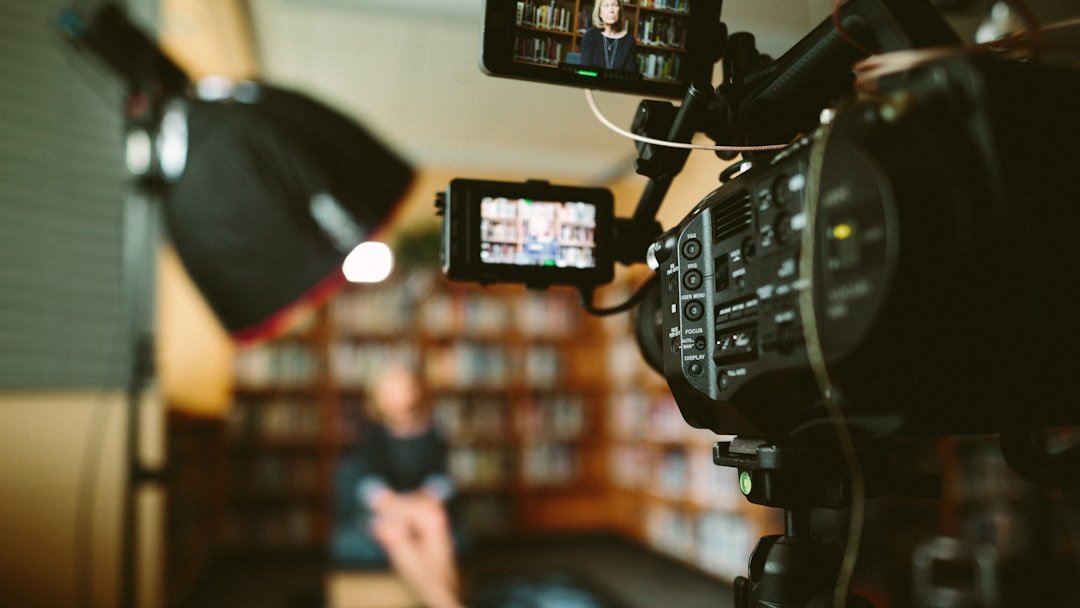
The AI digital human essentially binds an image of a character to a piece of voice, allowing the person in the picture to speak according to the script you provide. Mouth shapes, expressions and even simple body movements are all generated by algorithms. What it is best at is structured content that needs to be produced repeatedly, such as talking-head knowledge explainers, product explanations, news broadcasts, tutorial demonstrations, and the commentary part in corporate videos. The characteristics of this type of content are controllable text, fixed image, and high update frequency. The cost of recording with real people is too high, so digital humans can fill the gap.
But it's not a panacea. For content that requires strong emotional expression, impromptu interaction, complex movements, or a sense of real presence, it is still difficult for mainstream tools to make it natural, and the audience can see the stiffness at a glance. In live-stream shopping, where words and emotions are used to drive the atmosphere, and in unboxing reviews that require real hand demonstrations, using digital humans in these scenarios is often counterproductive. First think clearly about what kind of work you want to do, and then decide whether to bring in a digital human. This step is more important than choosing a tool.
What dimensions should you look at when choosing a digital human tool?
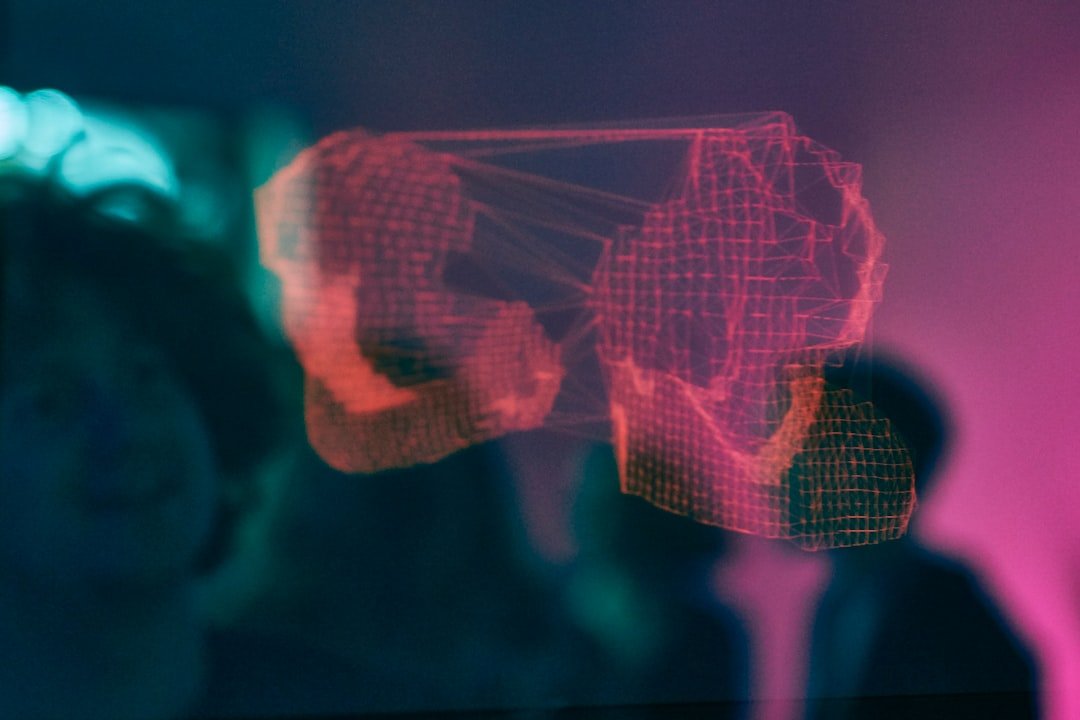
There are many tools on the market. In China, there are Tencent Zhiying, Shanjian, and the digital human function in Jianying (CapCut). Overseas, there are HeyGen, D-ID, and Synthesia. Their capabilities are different. When choosing a tool, don’t just look at the marketing; focus on several dimensions. The first is the naturalness of lip synchronization, which is the core indicator of digital humans. If the mouth shape and pronunciation are not consistent, no matter how good-looking the image is, it will be useless. The second is the richness of the image library and voice library. Whether there are enough preset images, whether they can be customized, and whether they support Chinese voices will directly determine whether your content will look the same as others.
The third is the threshold for customizing digital humans. Some tools support uploading a live video to clone an exclusive image, while some can only use presets. The fourth is the export resolution and whether there is a watermark. Free tiers usually have watermarks or limited duration. The fifth is language and dialect support. When making Chinese content, you must ensure that the timbre is natural and there are no strange foreign accents. Making a list of these items against your own needs is much more efficient than blindly trying them out. The specific prices and tiers of each company vary greatly. It is recommended to refer directly to the official public page and do not trust the numbers reported by third parties.
Step 1: Select a platform and register an account

After determining the direction, first choose a major platform to register an account. Newbies are advised to start with tools with user-friendly interfaces and good Chinese support, and then consider advancing after running through the process. When registering, pay attention to a few things: how long the video can be with the free quota, whether there is a watermark, and whether there is an upper limit on the number of times it can be generated. Most tools provide free trials. First use the free tier to complete a complete video from beginning to end, confirm that the effect is acceptable, and then decide whether to pay to upgrade.
This step also requires a judgment that is easily overlooked, which is the server location and stability of the tool. Access to overseas tools in China may be unstable, and the generation speed and upload experience will be affected; domestic tools are more worry-free in terms of Chinese timbre and review compliance. If what you are doing is to send content to domestic platforms such as Douyin and video accounts, giving priority to domestic tools can reduce a lot of subsequent troubles. After registering an account, first familiarize yourself with the backend menu and know where the core entrances are: image, voice, script, and export.
Step 2: Prepare digital human image and voice
Image and voice are the two faces of a digital human. There are three ways to create an image: use the platform's preset image, which saves trouble but easily makes you look the same as others; upload your own photos or videos to generate an exclusive image, which has a strong personality but requires high material quality; or purchase an authorized image template. If you choose to clone a real person, when shooting the material, try to ensure uniform lighting, a clean background, a head-on view of the camera, and a natural expression. The cleaner the material, the better the result will be.
Voice works the same way. You can use the platform’s built-in AI timbres. Mainstream tools generally provide a variety of Chinese timbres, including male and female voices, broadcast accents, or friendly spoken voices. You can also clone your own voice. Most tools that support voice cloning will require you to record a clear sample of several minutes. A special reminder here is that whether you clone an image or a voice, you can only use yourself or someone who has been explicitly authorized. You can never use other people’s faces and voices to generate content. This is a red line that will be emphasized in the compliance section later.
Step 3: Write the talking-head script
Whether the digital human speaks well or not depends 70% on the script. Unlike writing for real people, writing for digital humans requires more colloquial language and shorter sentences, because the algorithm's pause processing of long and difficult sentences is not natural enough. The hook should be thrown out in the first three seconds and directly tell the audience what problem this video can solve. Don't foreshadow it for too long. The patience of short video users is very limited. Use a clear logical line in the middle to connect the content, and talk about one point per paragraph to avoid information accumulation.
When writing the manuscript, read each sentence silently. The awkward parts will be the places where the digital human will have problems when reading them out. Correct them in advance. Pay special attention to pitfalls such as polyphonic characters, English abbreviations, and number pronunciation. If necessary, replace them with homophones or manually mark the pronunciation in the tool. Give a clear guide at the end, such as following, collecting or interacting in the comment area. The script should be controlled within the number of words corresponding to your target duration. Chinese talking-head voice-over is roughly 200 to 240 words per minute. According to this rhythm, the number of words is relatively stable.
Step 4: Generate video and lip sync
After the script, image, and voice are all ready, enter the core part. Select the digital human image in the tool, bind the voice, paste the script into the text box, and click Generate. The tool will automatically convert the text into speech and drive the mouth shape. It takes a while to generate, and the longer the duration, the longer you have to wait. Don’t rush to export it when it is generated for the first time. Focus on checking two things: first, whether there are any typos in pronunciation and whether the sentence segmentation is natural; second, whether the mouth shape and voice match.
If you find that a word is mispronounced or the sentence is awkwardly broken, go back to the script and adjust the punctuation. Adding commas or periods can change the rhythm of the pauses. Many unnatural places can be solved by changing the punctuation. Occasionally slight misalignment of the mouth shape is a common phenomenon and can be regenerated once. Most tools will produce slightly different results each time. You need to be patient in this step and repeatedly fine-tune the script before regenerating it. It is much less labor-intensive than hard repair in the later stage. After passing these two levels of pronunciation and mouth shape, the quality of the entire video is more than half established.
Step 5: Adjust expressions and body movements
After the lip sync is matched, the expressions and movements are processed to make the picture more vivid. Many tools provide preset options for actions and expressions, which can add details such as nodding, gestures, and eye-contact switching to digital humans. The principle here is restraint. Movements are not better the more there are. Frequent and exaggerated gestures will expose AI traces and make people feel fake. Let the digital human maintain natural micro-expressions and slight body changes most of the time, and only match one or two actions in key sentences, and the effect will often be more credible.
If the tool supports shot switching or scene changes, you can use it appropriately to avoid the entire video being in one camera position from beginning to end, which can easily cause visual fatigue for the audience. The expression should match the mood of the script. Don’t wear a smiley face when talking about serious content, and don’t look serious when talking about light-hearted content. Preview the whole thing after adjusting it, and see if it feels inconsistent from the perspective of an ordinary audience. If you find it is awkward, go back and fine-tune it until the person in the picture looks like he is talking to you seriously.
Step 6: Add subtitles and background
Subtitles for talking-head videos are almost standard. Many people watch videos in a silent environment, and just leave without subtitles. Mainstream tools generally support automatic generation of subtitles based on speech. After generation, you must check it sentence by sentence. AI recognition will occasionally cause typos, especially professional terms and names. The font size of the subtitles should not be too small, and the color should contrast with the background. Add a stroke or background color to ensure that it can be seen clearly on any screen. The number of words in each line should be limited to less than ten words. If a line is too long, it will be tiring to read.
The choice of background depends on the tonality of the content. Knowledge explainers are suitable for simple solid color or blurred backgrounds, leaving the attention to the characters; for product explanations, relevant pictures or scenes can be used to enhance persuasiveness. You can insert pictures or charts related to the content at appropriate locations to help the audience understand, but do not let background elements steal the show from the protagonist. Coupled with light background music, the volume is kept low enough not to overwhelm the human voice, and the completeness of the entire video is improved. Remember to use music and materials that have copyright permission. There are many free and commercial material libraries.
Step 7: Export and Publish
The final step is to export and publish. Confirm the resolution and ratio before exporting. Use 9:16 for vertical screen platforms such as Douyin and video accounts, and 16:9 for horizontal screen platforms. If the ratio is wrong, it will be cropped or have black borders added after uploading. For clarity, try to choose a higher level supported by the platform. If the image quality is too blurry, it will lower the viewing experience. The export format generally uses the universal MP4. Pay attention to check whether there is any residual watermark on the finished film. Free tiers often have watermarks. If you mind, you need to upgrade or change tools.
After the finished film is exported, watch it completely again before releasing it to make sure there are no typos, lip sync issues, or lags. When publishing, you need to pay attention to the title and cover. These two directly determine the click-through rate. The title highlights the value and the cover highlights the key points. For the first few videos, it is recommended to have a fixed image, fixed style, and fixed update rhythm to make the account recognizable. Both the platform and the audience will need time to get to know you. The biggest advantage of digital humans is that they can stabilize high-frequency output. Making full use of this advantage is more practical than pursuing a single hot product.
Common pitfalls for novices
The first pitfall is to be greedy for more and seek perfection. The first video tries to be flashy, but the result is that the movements and expressions are all plastic. Newbies should instead pursue simplicity and naturalness, where less is more. The second pitfall is that the script is generated directly without polishing. When it is read out, it is full of sentence-segmentation errors and has to be redone repeatedly, which wastes a lot of generation times. Read the script first and then enter the tool, which can save a lot of time. The third pitfall is ignoring subtitle verification. Typos recognized by AI are included in the video, which affects professionalism.
The fourth pitfall is that the timbre does not match the content. Serious science popularization with a cutesy, sweet voice is extremely inconsistent. When choosing a timbre, you must audition and match it. The fifth pitfall is to only focus on production without caring about publishing. Account positioning is confusing and updates are intermittent. No matter how good the video is, it is difficult to gain traction. There are also people who blindly pile up high-end overseas tools. As a result, access is unstable and the Chinese effect is not as good as domestic tools. Tools serve content, and suitability is more important than being advanced. By avoiding these pitfalls in advance, the quality of a novice's film can be directly improved to a higher level.
Compliance and Ethics: These red lines should not be touched
The biggest risk for digital humans is not technology, but compliance. The most core one is the right of portrait and voice. You can only use your own image and voice, or the image and voice that has been expressly authorized by the other party in writing. Using other people's faces and voices to generate content without authorization may constitute infringement or even illegality. Celebrity faces are particularly sensitive. Secondly, you cannot use digital humans to impersonate real people to deceive, such as pretending to be a public figure to make remarks, or forging someone else's image to sell goods. This type of behavior is extremely risky.
Domestic labeling requirements for AI-generated content are also constantly being clarified. According to public information, audio and video synthesized with AI usually need to be marked explicitly or implicitly. Pay attention to the specific rules of your platform before publishing. The content itself must also adhere to the bottom line: do not spread rumors, fabricate data, or publish illegal information. Digital humans only amplify the efficiency of content production. They will not take responsibility for you. On the contrary, because content spreads quickly and is highly confusing, once there is a problem with the content, the impact will be amplified. Tighten the string of compliance, and technology will really help you instead of setting up minefields for you.
FAQ
Can I make digital human videos with zero editing knowledge?
Yes. Most of the current mainstream digital human tools use fill-in-the-blank operations, such as selecting images, selecting voices, pasting scripts, and clicking generate. Traditional editing skills are basically not required. The difficulty is not in software operation, but in script polishing and aesthetic judgment. You will gradually get a feel for these two things by doing a few more. It is recommended to use the free tier to run a complete video from beginning to end, and then consider advanced functions after becoming familiar with the process.
Do I have to spend money to make digital human videos?
Not necessarily. Most tools provide free tiers, which is enough for you to run through the process and test out the effects. Free tiers usually have watermarks, duration or generation limits. If you just practice or publish at low frequency, free is enough. Consider paying when you need watermark removal, higher definition, or more generation times. The specific prices and tiers of each provider vary greatly, so it is recommended to refer directly to the official public page.
Will digital videos be restricted by the platform?
Platforms generally do not limit traffic simply because something is a digital human. What really affects traffic is content quality, originality and compliance marks. If the content is severely homogeneous, is obviously templated and mass-produced, or is not marked as AI-generated as required, it may indeed affect recommendations. By making the content solid and labeling it according to platform rules, digital videos can still get normal traffic.
Can I use someone else’s face or voice to make a digital human?
No, unless you have obtained the other party’s explicit written authorization. Generating content using the portraits and voices of others, especially celebrities, without authorization may infringe on portrait rights and voice rights, and in serious cases may involve breaking the law. The safe approach is to only use your own image and voice, or use the authorized preset images and voices provided by the platform. This red line must be observed.
What should I do if the digital human’s mouth shape doesn’t match?
Slight misalignment of the mouth shape is a relatively common phenomenon. First, go back to the script and adjust the punctuation and sentence segmentation. Many unnatural pronunciations can be improved by changing commas and periods. If it is still not ideal, you can regenerate it again. Most tools will have slightly different results each time. Check whether the timbre used matches the language. Chinese timbres must be used for Chinese content. It is easy to cause problems when processing Chinese with foreign-accented timbres.
📝 This article is from DouWen www.douwen.me . Please retain the source when reposting.
Original link: https://www.douwen.me/archives/1312/
💬 Comments (7)
Step-by-step is gold.
Practical tips not fluff.
Clear and to the point.
Thanks for the detailed comparison.
Easy to follow.
Loved the FAQ section.
Great resource.