Runway Gen-3 video generation tutorial, 2026 AI short film from script to finished film
🇨🇳 阅读中文版Runway Gen-3 Complete Tutorial: From Sign-Up to Your First Finished Film
Runway Gen-3 is the third-generation AI video generation model that launched in July 2024. It was upgraded to the Gen-3 Alpha Turbo version in November 2025, and although Gen-4 arrived in April 2026, Gen-3 remains the best value for money as the workhorse model. A 10-second video takes only 70 seconds to generate, and on two metrics, 1080p image quality and motion coherence, it surpasses Sora 1.0 and ranks above Pika 2.0 and Kling 1.6.
This article lays out the complete Runway Gen-3 workflow from registration to a finished film. It covers six full stages: account setup, text-to-video, image-to-video, video-to-video, audio sync, and editing and export. At the end there is a complete short-film walkthrough showing how long it took to go from script to a 60-second finished piece.
What Team Makes Runway
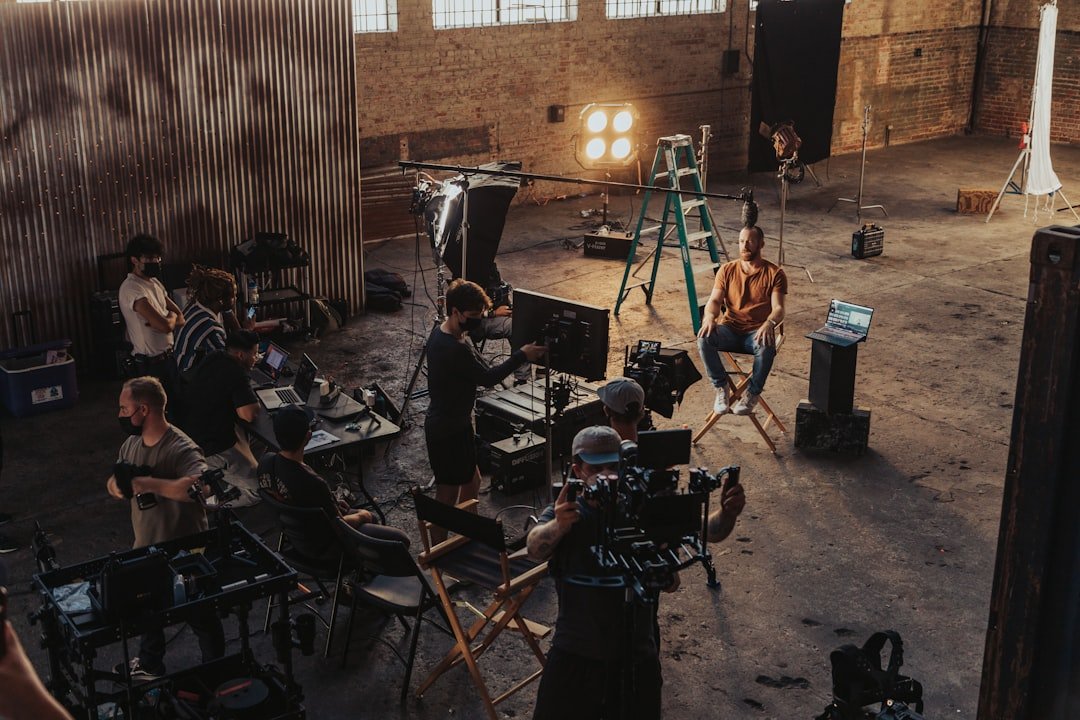
Runway was founded by Cristobal Valenzuela in 2018, is headquartered in New York, and is currently valued at 3 billion US dollars. Its investors include Google, Nvidia, and Salesforce. Some of the earliest contributors to the image generation model Stable Diffusion came from Runway's internal research group.
Runway's product line includes the Gen series for video generation, Runway ML for image generation, and Sonic for audio generation. Video is the core, and Gen-3 has already been used by media companies such as Netflix, Disney+, CNN, and A24 for editing effects and short-film creation. In 2025, 30% of one Netflix documentary's trailer was generated by Runway.
The difference between Gen-3 and Sora: Sora has a longer video ceiling of 1 minute and higher physical realism, but it generates slowly. Gen-3 caps at 10 seconds but generates fast, making it well suited to rapid short-film iteration. In the short-video, e-commerce, and Douyin content creation circles, Gen-3 has the highest usage rate.
Account Registration and Subscription Plans
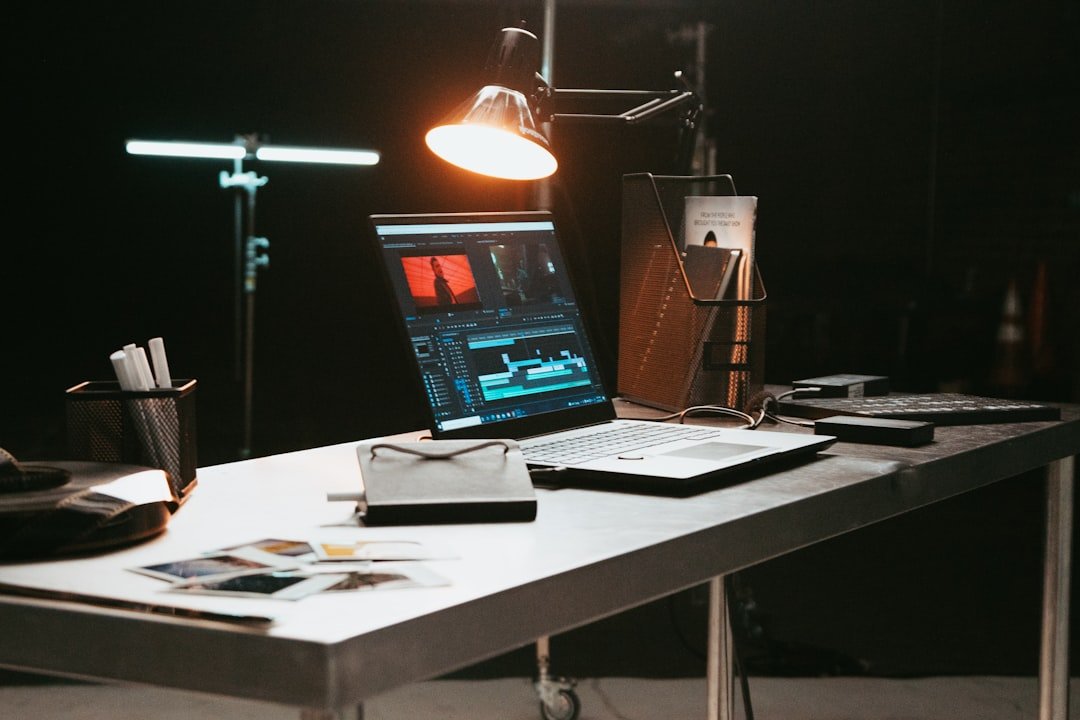
Open runwayml.com and click Sign Up. Registration supports Google, Apple, and email. An international mobile number can be used to register, and an overseas credit card or PayPal can be used for top-ups. Mainland China accounts can register, but subscriptions require an overseas payment method.
There are five subscription tiers. The free plan gives 125 credits per month, roughly enough for five 10-second videos. Standard costs 12 US dollars per month with 625 credits. Pro costs 28 US dollars per month with 2,250 credits plus 4K export. Unlimited costs 76 US dollars per month with unlimited generation but requires queuing. Enterprise has custom pricing reserved for large clients.
The best-value plan for beginners is Standard at 12 US dollars a month. It allows 25 ten-second videos, which is enough for testing and for everyday social media creation. If you have a commercial project that requires 4K, go straight to Pro. Unlimited is not recommended unless you produce more than five videos a day, which is when it pays off.
Students get a 50% discount with a verified .edu email. Developers get 100 free credits to try the API.
Core Text-to-Video Operations
After logging in, click Generate Video to enter the workspace. On the left is the Text to Video input box, in the center is the preview, and on the right is the parameter panel.
There are three key elements when writing a prompt. Describe the subject clearly, for example "an orange tabby cat stretching in the sunlight"; describe the shot, such as close up, wide shot, or tracking shot; and add style keywords like cinematic, anime, or photorealistic.
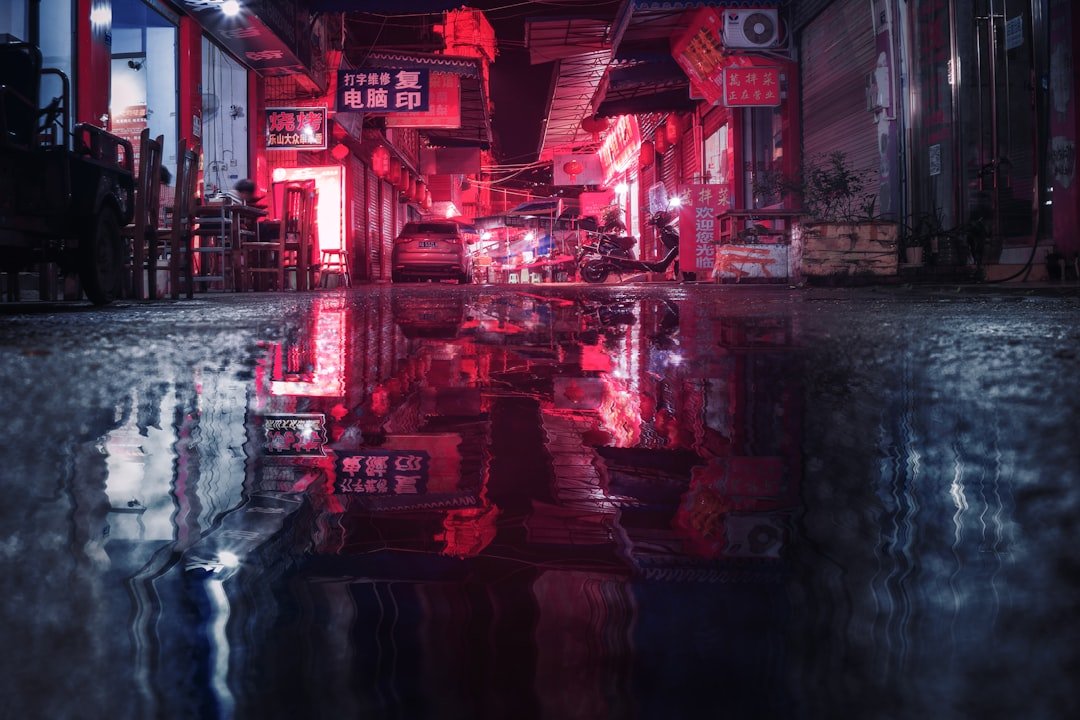
A first prompt test. Entering "a cyberpunk city at night neon lights reflecting on wet streets cinematic" cost 8 credits and produced output after 80 seconds. The footage showed a nighttime cyberpunk city with neon reflections on wet streets, the camera slowly tilting up from the ground, matching the prompt description.
The parameter panel has three key settings. Duration is 5 or 10 seconds, with 5 seconds consuming 5 credits and 10 seconds consuming 10 credits. Aspect Ratio offers 16:9 landscape, 9:16 vertical for Douyin, and 1:1 square. The Seed value, once locked, makes repeated generations from the same prompt produce similar results.
Image-to-Video to Bring Stills to Life
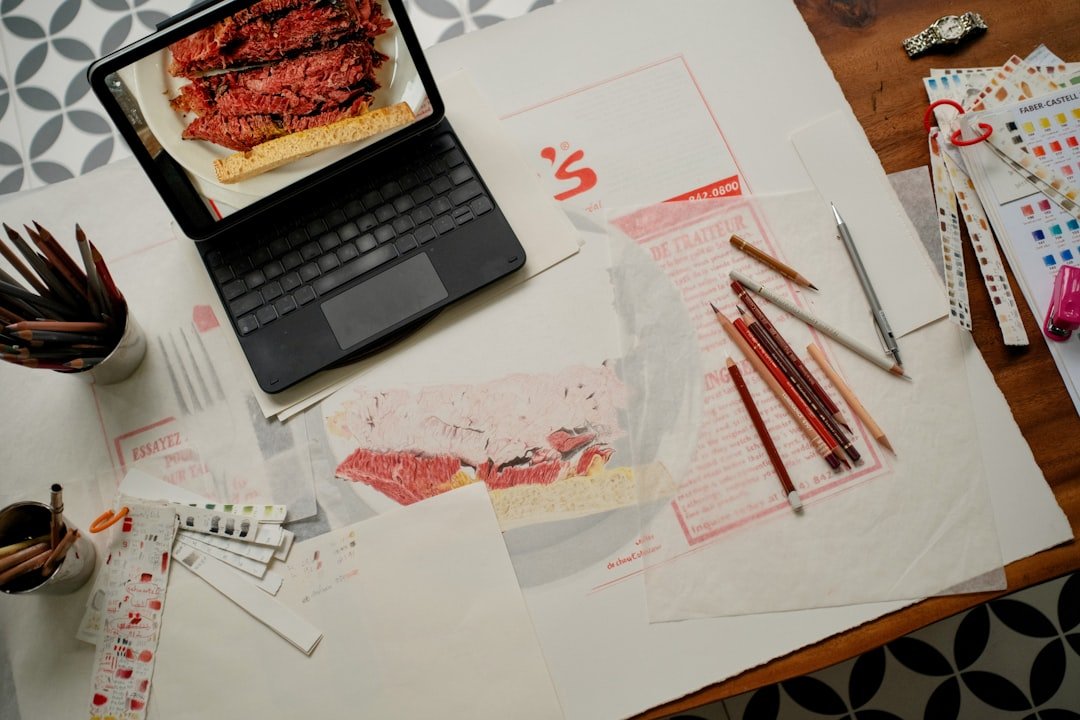
Beyond text-to-video, the more practical feature is image-to-video, which animates a static image.
The image you upload can be a phone photo or an image generated by Midjourney or DALL-E, in any aspect ratio. Runway adapts automatically. Click Image to Video, drag in the image, and enter a prompt describing the part you want to move.
A real test case. A Ghibli-style image of a girl standing in a field of rapeseed flowers, with the prompt "wind blowing through her hair flowers swaying gently camera slowly orbiting around her." The 10-second generation completed with her hair fluttering, petals swaying gently, and the camera orbiting the subject slowly through 270 degrees, comparable to live footage.
Image-to-video gives five times the controllability of text-to-video. First use Midjourney to produce a static image you are happy with, then use Runway to bring it to life. This suits scenarios that need precise control of visual detail and is the standard workflow for professional creators.
Motion Brush for Localized Motion Control
Gen-3's killer feature is Motion Brush. After uploading an image, use the brush to paint over a specified area; only the painted part moves while the rest stays still.
Use case one is product advertising. For example, with a product photo of a pair of sneakers, paint Motion Brush only on the sole and enter the prompt "shoe sole bouncing on ground." The resulting video has a springy effect only on the sole while everything else stays stable, with a texture even cleaner than live footage.
Use case two is animated meme effects. Take a cat meme image, paint Motion Brush on the tail, and enter "tail wagging slowly." It generates a slow tail-wagging animation that, paired with text, can be posted straight to your social feeds and groups.
Motion Brush offers ten times the precision of pure text control. Only once you master this feature does Runway truly open up. The free plan allows only 5 Motion Brush uses per month; Standard and above offer unlimited use.
Audio and Music Sync
After a video is generated, it is silent by default and needs music and sound effects. Runway's built-in Sonic Soundtrack library has more than 500 royalty-free tracks categorized by mood, such as suspenseful, upbeat, epic, and soothing. Click Add Audio, choose a track, and drag it to the timeline; its length matches the video automatically.
A more advanced option is AI sound effect generation. Click Generate Sound Effects and enter "footsteps on gravel" or "thunder rumbling" to generate a matching sound effect in seconds. It can be added to any video segment.
For voiceover, use the Lip Sync feature. Upload a voiceover audio clip you recorded, and Runway automatically recognizes the character's mouth in the video and syncs it to your speech. For videos within 10 seconds, processing takes 30 seconds, and the result looks very natural under medium-brightness lighting.
For export, choose MP4 or MOV format at 1080p standard; 4K requires the Pro plan. Once downloaded, you can post directly to Douyin, YouTube, or Instagram. Runway adds no watermark.
API Integration for Batch Automation
If you need to generate large batches of video programmatically, use the Runway API. The Pro plan includes a monthly API quota; visit developer.runwayml.com to get a key.
The API can be accessed through the Python SDK. Run pip install runway, then import with from runwayml import Runway and initialize the client. Call client.image_to_video, passing the image_url and prompt_text parameters, which returns a task_id. Poll client.tasks.retrieve(task_id) until the status is SUCCEEDED, then grab the output_url to download.
A batch scenario, for example, an e-commerce store with 100 products needing 100 product animations. The script loops over image_to_video and runs serially, with each one taking 80 seconds. The Pro plan's 2,250 credits per month can run 225 ten-second videos.
API rate limits allow 3 concurrent tasks per account, with the rest queued. For batch tasks, it is recommended to run serially with a 5-second sleep interval to avoid task pileup.
Complete Short-Film Case: A 60-Second Sci-Fi Short
A real end-to-end test. The goal is to make a 60-second cyberpunk detective short.
Step one, the storyboard script. Split 60 seconds into six 10-second shots. Shot 1, a wide city night view. Shot 2, a close-up of the protagonist pushing open a bar door. Shot 3, the bartender pouring a drink. Shot 4, the protagonist taking a phone call with a grave expression. Shot 5, the protagonist walking out onto the street. Shot 6, the receding figure freeze-frame.
Step two, generate the static storyboard images first. Use Midjourney to generate one satisfactory image per shot, keeping the style consistent by adding "cyberpunk noir detective movie still cinematic" to the keywords. Six images take 15 minutes.
Step three, use Runway image-to-video. Add a prompt to each image describing the motion, 10 seconds per clip. Six shots total 60 credits and 8 minutes.
Step four, assemble. Download the six clips, import them into CapCut or Premiere, stitch them together, and add transitions.
Step five, add music. Choose a cyberpunk noir track from the Runway Soundtrack library and drag it to the timeline.
Step six, add voiceover. Use ElevenLabs or Suno to generate the protagonist's inner-monologue voiceover audio and import it into a track.
Total time was 60 minutes to produce a 60-second finished film, at a cost of 12 US dollars, affordable on the Standard monthly fee. The same finished piece shot traditionally would cost at least 50,000 RMB.
What Kind of Content Creators This Suits
Bloggers making short videos on Douyin, Xiaohongshu, and Bilibili benefit most directly. High-quality AI-generated 10-second videos, paired with narration, can drive viral topics like "an AI-generated cyberpunk world" or "I had AI act out my dream."
E-commerce sellers can use image-to-video directly for product animations. A product photo turned into a dynamic ad gets 50% higher CTR than a static image. Taobao and Douyin store main-image videos require 5 to 9 seconds, which Runway fits perfectly.
Advertising creative agencies use Runway for pitches. During client meetings, they no longer need to wait for an editor to make a rough cut; the designer can use Runway on the spot to produce a concept clip to demonstrate the direction, improving communication efficiency fivefold.
Independent filmmakers. For short-film production, low-cost test shoots help test cinematic language. When a script's shooting approach is uncertain, you can first AI-generate a reference clip before the real shoot.
Limitations and Things It Can't Do Yet
First, the long-video ceiling of 10 seconds. Anything longer requires stitching, but consistency between segments is poor and the character's appearance changes. This is a shared bottleneck of all AI video models in 2026, expected to be broken through in 2027.
Second, complex motion. Multi-joint fast movements like fighting, parkour, and dancing often deform. Slow motion and static shots perform well.
Third, text rendering. Text in the video, such as signs, subtitles, and logos, often comes out garbled or distorted. Runway 4.0 improved this but it is still unreliable; for commercial scenarios, text needs to be added afterward in Photoshop.
Fourth, physics violations. Physical effects like flowing water, flames, and shattering glass occasionally defy intuition, for example water flowing backward or glass shards floating up.
Fifth, copyright risk. Runway's training data is not fully disclosed, and its generated videos face copyright disputes in Europe and the US. Before commercial use, it is advisable to review the "Indemnity" clause in the product terms.
Frequently Asked Questions (FAQ)
Can Runway be used normally in mainland China
Yes, but it needs a stable international network. Runway's servers are in the US and Europe, and access requires bandwidth above 100Mbps, otherwise image uploads frequently time out. Downloading a finished 1080p 10-second video, about 50MB, is just barely manageable on domestic mobile networks. Subscription requires an overseas credit card or PayPal; domestic credit cards bearing the Visa or Mastercard logo can be tried, but there is a 95% chance of being blocked by risk control. It is recommended to use a card from an overseas friend or relative, or buy a virtual card. The free plan can be registered and tried with a domestic email, but once the 125 credits are used up you cannot upgrade.
How long does it actually take to generate a 10-second video
Under normal load, 60 to 90 seconds per clip. The Standard and Pro plans have priority queues with less waiting. On the free plan during peak hours, 8 PM to 11 PM, the queue is 5 to 15 minutes. From 6 AM to 9 AM is fastest, averaging 50 seconds per clip. Generating 10 clips in a batch means an actual wait of 15 to 25 minutes. The Unlimited plan always sits at the back with the lowest priority, so it is generally not recommended.
What is the difference between Runway Gen-4 and Gen-3, and should I upgrade
Gen-4 was released in April 2026, focusing on physical realism and shot consistency. For the same prompt, output quality improves by 30%, but credit consumption per generation doubles, halving the number of videos a Standard plan can generate. For everyday social media, Gen-3 offers better value; for commercial projects and high-quality scenarios, use Gen-4. The two models can be switched in the generation interface.
How do I improve output quality to a commercial-grade level
Four tips. First, use image-to-video rather than pure text-to-video; make high-quality storyboard images in Midjourney first. Second, use cinematic-feel keywords in the prompt like "cinematic shot on Arri Alexa film grain." Third, use Motion Brush to precisely control the motion area and avoid the whole frame shaking. Fourth, retry the same prompt 3 to 5 times and pick the most satisfactory version; AI video generation is inherently random, with about a 30% chance of being satisfied on the first try.
Can you work out the total annual cost clearly
Estimating ten 10-second videos generated per month. Standard is 12 US dollars a month, 144 US dollars a year, about 1,050 RMB. Each video costs 1.2 US dollars, about 8.6 RMB. If you used a traditional outsourced editing company of the same quality, the quote would be 200 RMB per 10-second video. Runway saves 95% of the cost over a year. For small and medium content teams and individual creators, this is an irreversible tool.
📝 This article is from DouWen www.douwen.me . Please retain the source when reposting.
Original link: https://www.douwen.me/archives/1017/
💬 Comments (7)
Step-by-step is gold.
Thanks for the detailed comparison.
Sharing this with my team.
Solid breakdown, very useful.
Bookmarked for reference.
Easy to follow.
Clear and to the point.